CHUBUT PRECISE ELECTRONIC COMPANY LIMITED
Add: No.6101 LongDong Road He Qing Industry Zone Pudong New Area Shanghai
!
!
!
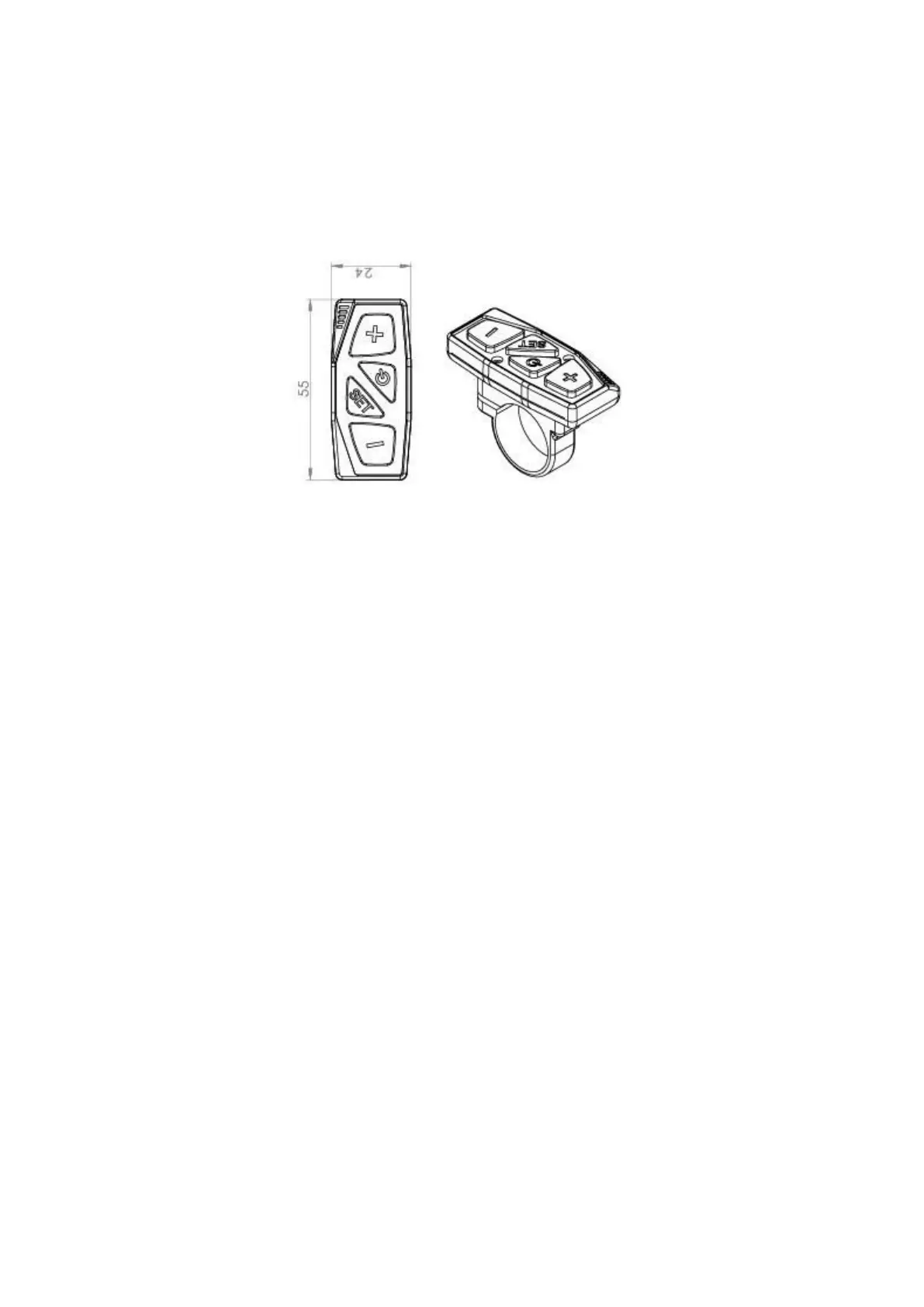
Button Definition
!
There are four buttons on the LCD-K, ON/OFF,
!
!
SET, UP and DOWN.
!
!
!
!
!
!
!
!
!
!
!
!
!
!
!
!
!
!
!
!
!
!
!
!
!
!
!
!
!
!
!
Normal Operation
!
1. ON/OFF
!
Pressing the ON/OFF button will power up the display. Pushing the power
button a second time will backlight the display for nighttime use. Pressing
the ON/OFF button for three seconds can turn off the display.
If your E Spike has not been used for five minutes the display will
automatically shut down.
If the display is powered up and you have the Parking Brake on you will
get an Error 5 message on the Display. This is normal. Squeezing the
brake lever will automatically remove the error code.!!



 To Next Page