5.4 BACKLIGHT INDICATOR
With the power on, press “+” for 1 second to turn on the backlight. Press it
for 1 second again to turn off the backlight.
5.5 WALK MODE
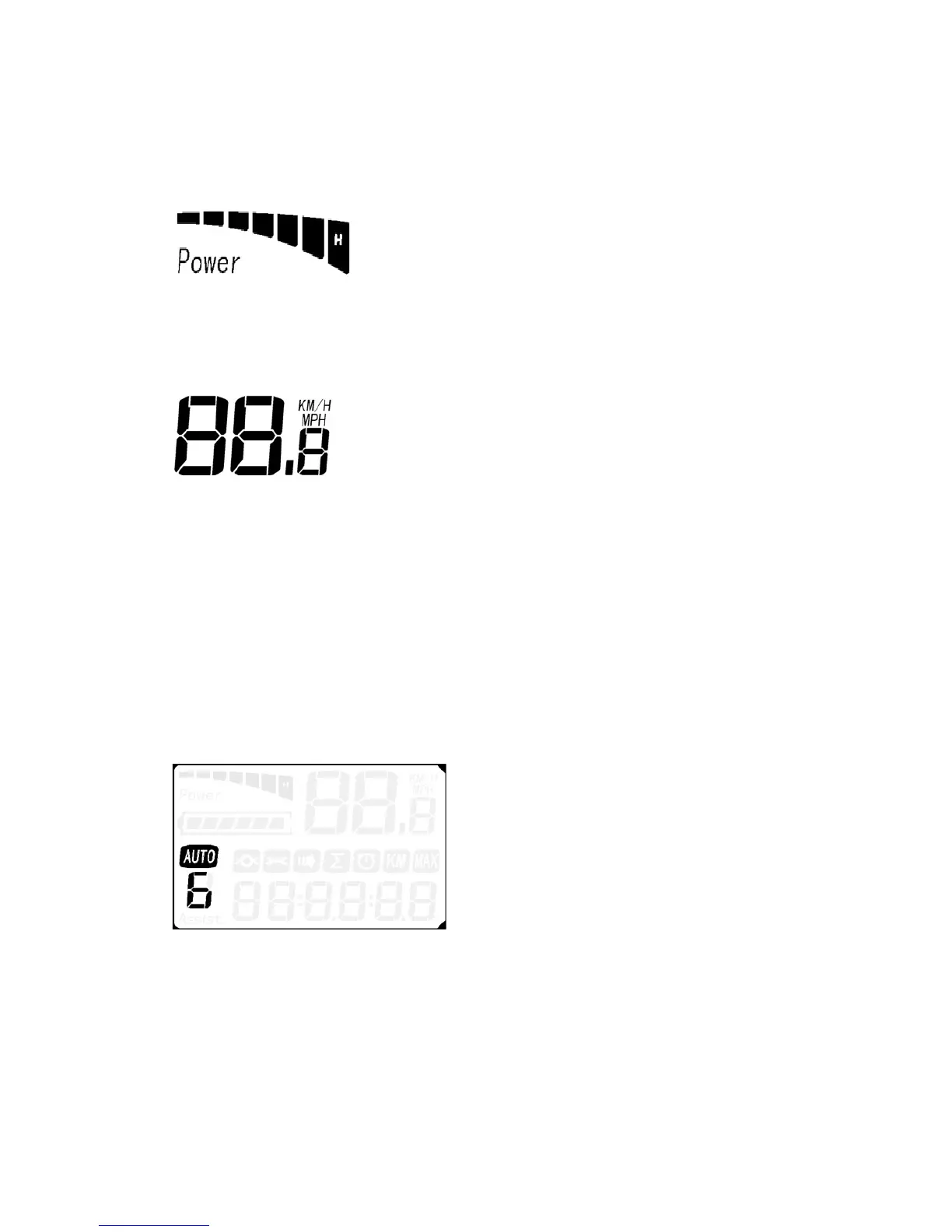
Hold “-” for 2 seconds to enter into the walk mode. When the icon is lit, the e-
bike is traveling at 4.5 mph. This is shown below.
5.6 ASSIST LEVEL SELECTION
Click UP or DOWN to change the level of pedal assist you wish to receive.
The levels range from 0-6, with 0 being the lowest and 6 being the highest.
When the bike is powered on, the bike will automatically enter level 1. Please
be aware that the levels loop: when you are at level 6 and press UP you will
return to the lowest level and when you are on the lowest level and press
DOWN you will enter the highest level.


 To Next Page