Need help?
Do you have a question about the DAS 300 Series and is the answer not in the manual?
Indicates AC power presence. Blinks if standby battery is low.
Activates a panic/hold-up alarm and sounds local siren by pressing specific keys simultaneously.
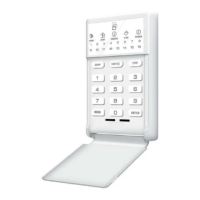
Guide to understanding system operation, keypad controls, lights, and sounds for easy use.
Awareness of system's electronic nature, power dependency, and need for testing is crucial.
Adherence to warnings, proper placement of devices, and professional maintenance ensure system effectiveness.
Arming procedure involves closing zones, ensuring 'SECURE' light, and entering a valid code.
Disarming involves entering the protected area and entering a valid code before the entry delay expires.
Initiates an immediate local audible alarm and potential emergency report by pressing specific keys.
Activates a steady siren by pressing specific keys for emergency fire response.
Covers Master code and auxiliary code management, including changing and removing codes.
 General
| Brand | DAS |
|---|---|
| Model | 300 Series |
| Category | Security System |
| Language | English |


 To Next Page