EasyManua.ls Logo

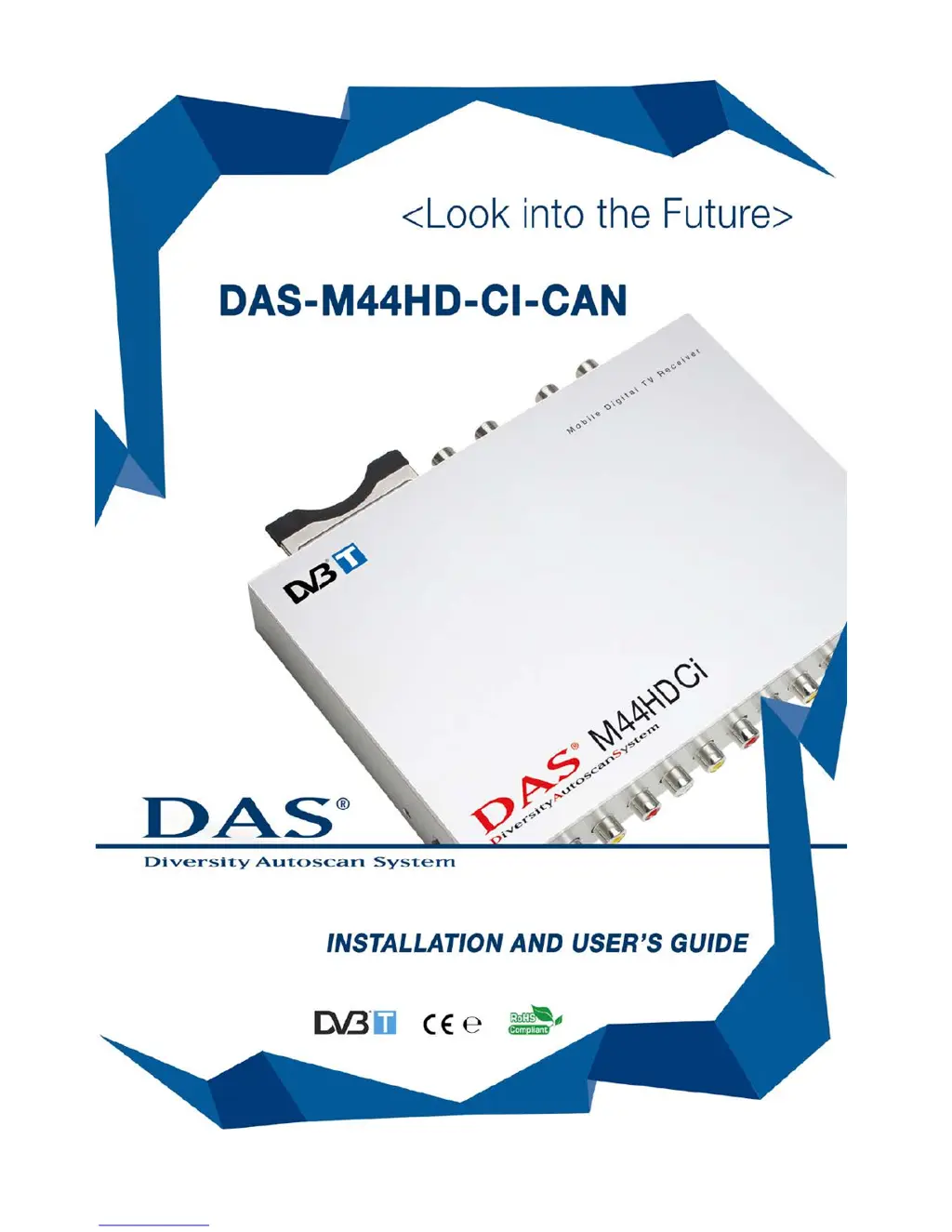
DAS DAS-M44HD-CI-CAN - User Manual

DAS DAS-M44HD-CI-CAN
23 pages
Print Icon
To Next Page IconTo Next Page
Loading...

Questions and Answers

  • M
    Michael RiveraJul 31, 2025
    What to do if there is no picture and no sound on my DAS Receiver?
    • M
      Morgan CraigJul 31, 2025
      If your DAS Receiver shows no picture and no sound, check the power wire connection to ensure it's properly inserted. Also, verify if the unit is in stand-by mode (the led is RED). If so, press the POWER button. Also, check if the unit is in AV1 or EXT source by pushing the TV/AV button on the remote control and select the TV function. Finally, inspect the fuse on the yellow wire and change it if it's burned out.
  • B
    Blake CaseyAug 5, 2025
    Why do all channels show no signal on my DAS Receiver or display random mosaic tiles?
    • P
      Peter JimenezAug 5, 2025
      If your DAS Receiver shows no signal on all channels or displays random mosaic tiles, it could be due to low signal quality or improperly connected antennas. Try using active antennas of high quality to improve reception. Check the antenna connections and their status using menu 1-2-3.
  • D
    David RobertsAug 10, 2025
    Why is the remote control not working for my DAS Receiver?
    • P
      paul50Aug 11, 2025
      If the remote control for your DAS Receiver isn't working, the first thing to check is the battery. Ensure the battery has power and replace it if necessary. Also, make sure the battery is inserted correctly.
  • S
    Stephanie CastroAug 15, 2025
    What to do if the video is fine but there is no sound on my DAS Receiver?
    • J
      Jeffrey VasquezAug 15, 2025
      If you're getting video but no sound on your DAS Receiver, the volume may be too low or muted. Press the vol + button to increase the volume.
  • G
    Gary RamirezAug 20, 2025
    Why is the number of channels in DVB-T mode not as much as expected on my DAS Receiver?
    • C
      Carol LevyAug 20, 2025
      If the number of channels in DVB-T mode on your DAS Receiver is less than expected, it may be due to the local broadcasting system limiting available channels. Also, the signal quality of some channels may be too low, so use active antennas of high quality to improve reception quality. Note that only free TV channels are available unless you have a CI option for pay TV channels. The locally free TV channels can differ depending on the area.
  • M
    Mrs. Rebecca ArnoldAug 25, 2025
    Why is the picture quality white and black and not colored on my DAS Receiver?
    • R
      richard74Aug 26, 2025
      The picture quality on your DAS Receiver might be showing in black and white due to tolerances of electronic components between the DAS product and the screen. Consider changing the screen or using another DAS tuner.

Summary

Important Safety Instructions and Caution

Installation

Connections

Details power, ignition, reverse gear, and handbrake connections for the unit.

Panel IN-OUT Connections

IR Infrared Receiver

Describes the IR infrared receiver for remote control and its connection.

Remote Control Operations

Start and Antenna Installation

Settings Configuration Menu

Stand-by Scan Function

Memo Signal Function

System Reset

Antenna Status and Check

TV List and Memo TV Channel List

Memorize TV Channels

Change TV Channel

Zapping Channels

Upgrade via USB

Pay TV Functionality

Troubleshooting and Q&A

DAS DAS-M44HD-CI-CAN Specifications

General IconGeneral
ModelDAS-M44HD-CI-CAN
CategoryReceiver
Output ResolutionUp to 1080p
CI SlotYes
FeaturesCI Slot
Video DecodingH.264, MPEG-2, MPEG-4
Audio DecodingMPEG-1 Layer I/II, AAC
Video OutputHDMI
Audio OutputHDMI, RCA
USB PortUSB 2.0
Power Supply12V DC