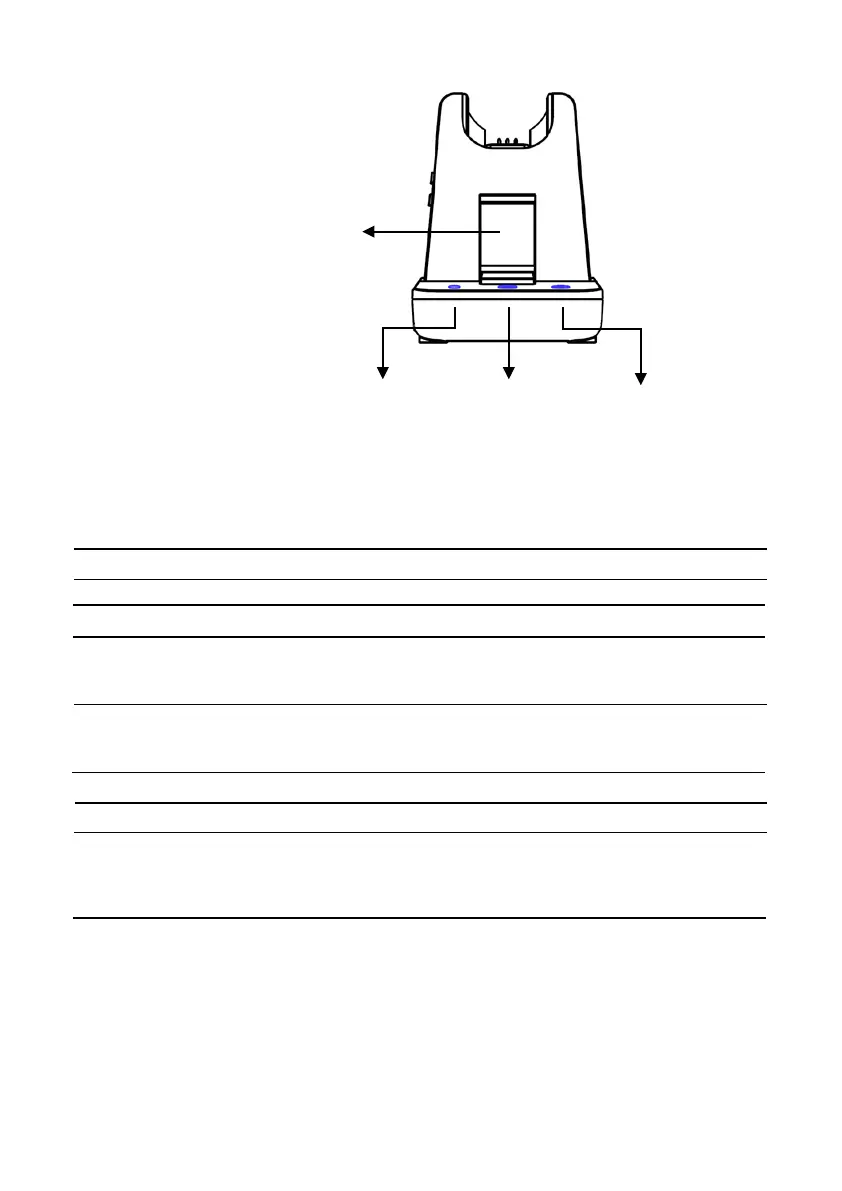
Visual Indicator
Charging Status LED status (Headset) Visual Window(Base)
Charging Red LED: ‘ON’ White
Full Charged Blue LED: ‘ON’ White
Low Battery Blinking in White
Incoming Call
Blinking in Green
Event LED status
Press Microphone mute Mute indicator : ‘ON’
Press PC/TEL selection PC/TEL Indicator - TEL : ‘OFF’ PC : ‘ON’
Bluetooth Connection Pairing mode : Blinking
Connected : ‘ON’ Disconnected : ‘OFF’
Hook Off BASE : Transparent Window Green
Headset : Blue LED is blinking twice in every 3 sec
Bluetooth PC/TEL Microphone
Button Button Mute button



 To Next Page