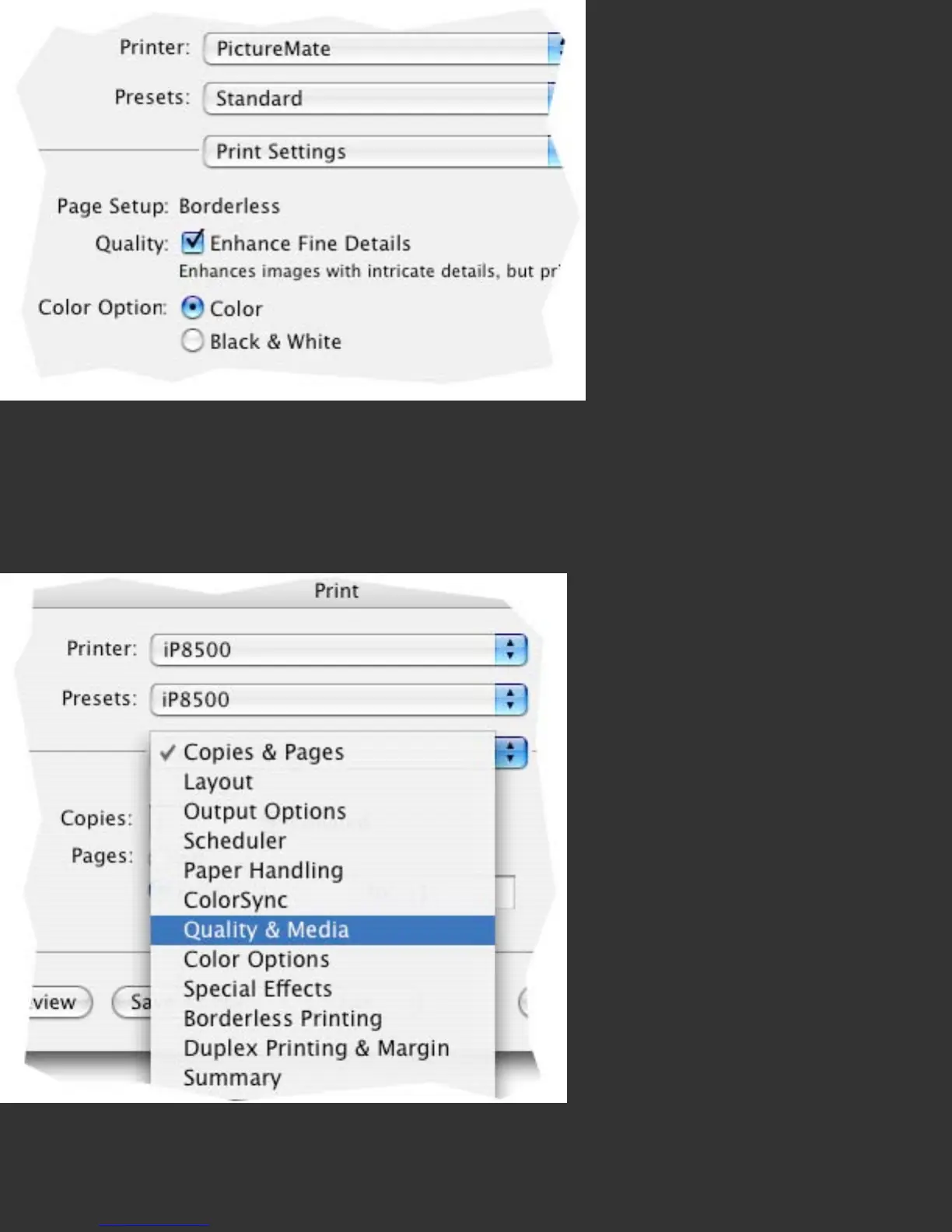
This illustration of the Print Settings from the simple driver shows that the only choice
that would effect print color is the selection of ‘Color’ or ‘Black & White’ settings.
Please note that with many printers, using the ‘Color’ setting and a custom color
profile may produce more desirable Black & White prints than the Black & White
setting.
This is an illustration of a Canon inkjet driver under OS X. Similar to the more
advanced Epson driver above, there are two menu items that effect color
management: ‘Quality and Media’, and ‘Color Options’. While the names vary a bit
from the Epson versions, the functions are similar.



 To Next Page