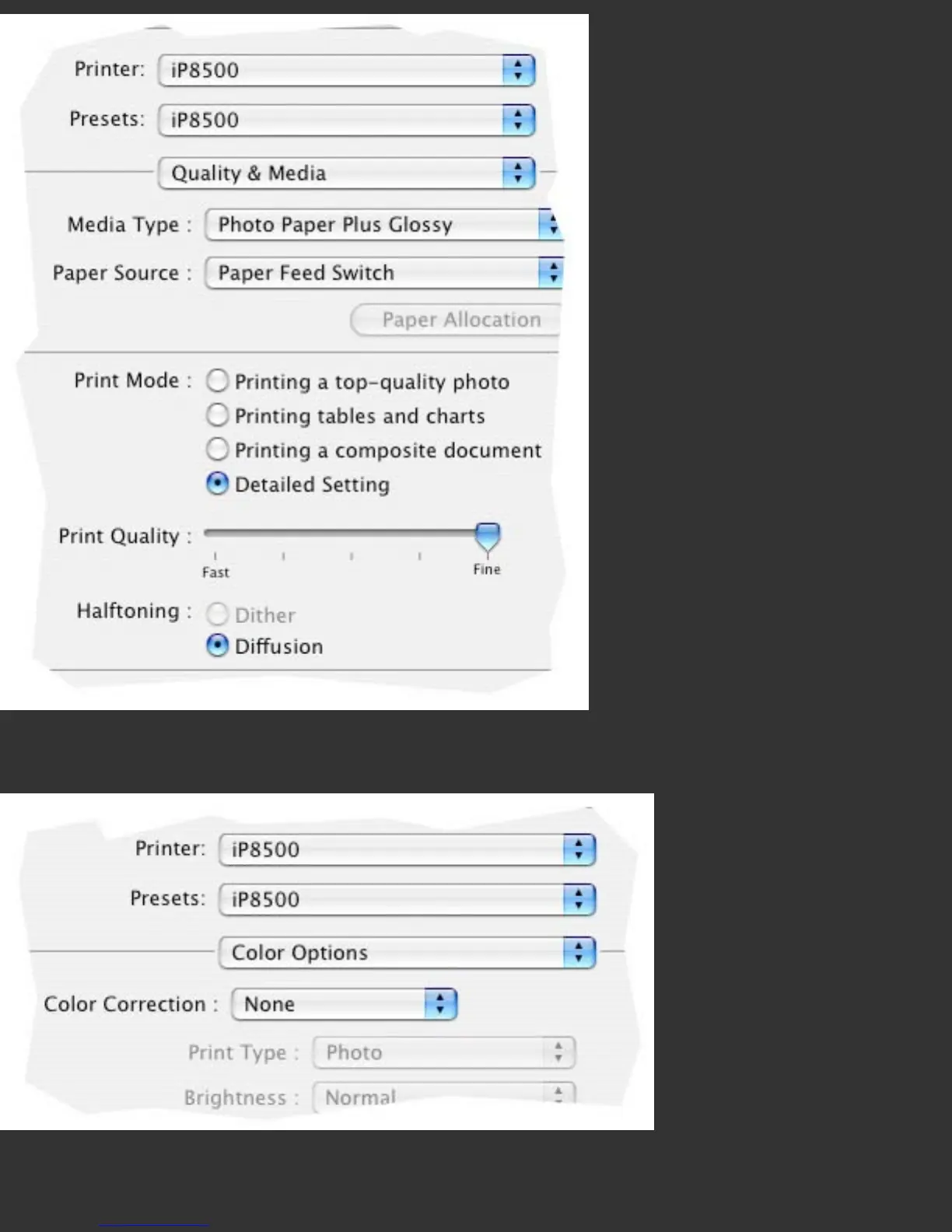
The ‘Quality and Media’ section of the driver contains the Media Settings, where paper
type would be chosen, and where Media Setting Checks would be performed.
Printer Color Management is turned off in the ‘Color Options’ section of the driver, by
choosing ‘None’. This is important both for printing color targets, and when printing
images through the resulting color profiles; interference from color adjustments at the



 To Next Page