COMPACT MAX Reader User Manual 4 05.08.2014
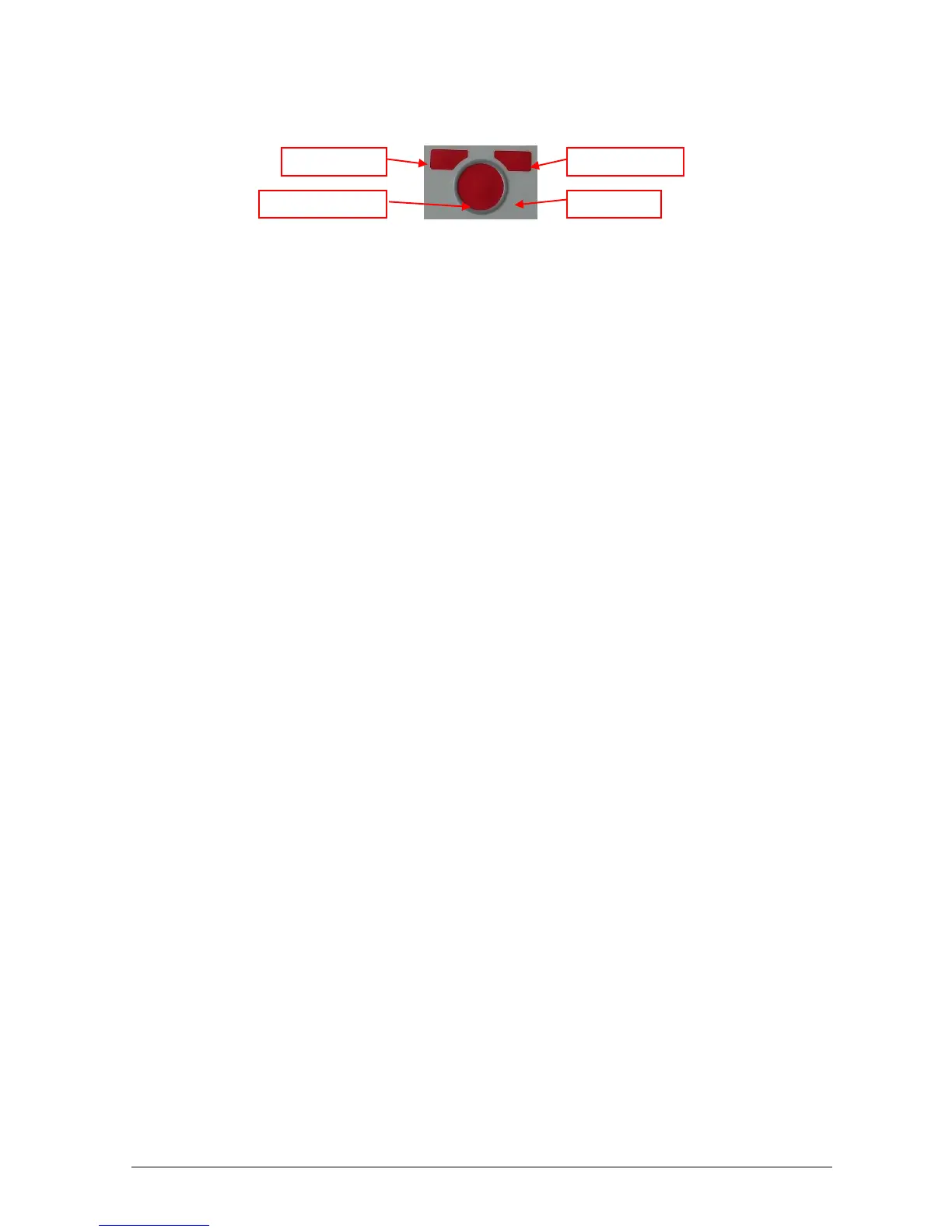
1.3 Keyboard
1.3.1 CENTER button
The CENTER button is used to switch on the COMPACT MAX reader, to start and stop a reading session
or to select and confirm the various available settings, the settings are described in later chapters of this
manual.
1.3.2 LEFT button
The LEFT button is used to shut down the reader or to scroll between the various settings.
1.3.3 RIGHT button
The RIGHT button is used to access to the CONTROL menu or to return to the previous menu.


 To Next Page