14
Place The Hard Disk Inside The RAID System
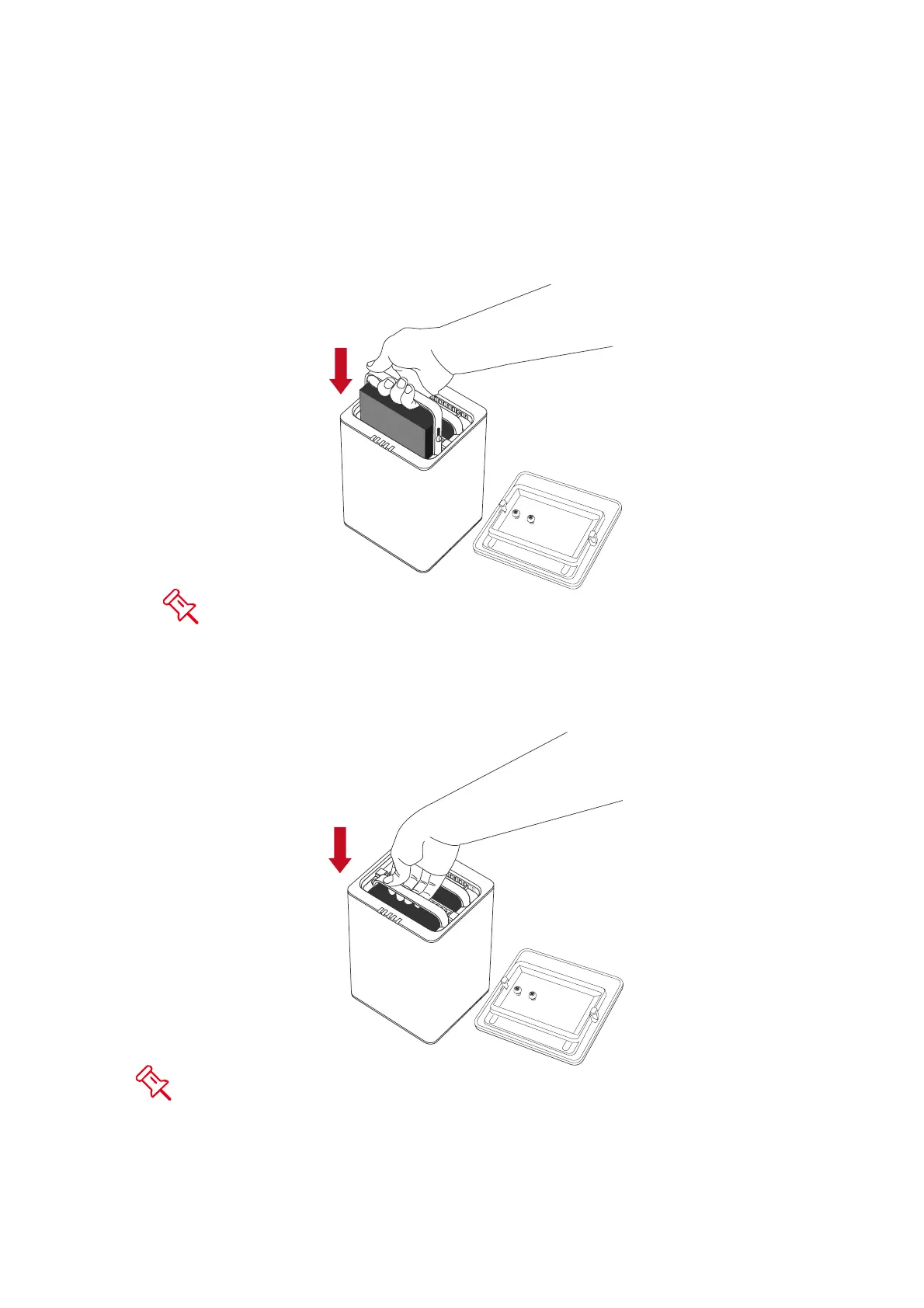
9. Hold the HDD with the metal cover side facing you and the handle attached
on the upward position.
If the HDD is inserted on its reverse side, the SmartGuider* System
won’t be able to align and the HDD cannot be inserted.
10. Align the handle with the guide rails and slide the HDD into the indicated slot.
Firmly push downward until a “thump” sound is heard. Repeat the same
procedures for the second HDD.
In most cases, you would need to firmly push the HDD to a close until a
“thump” sound is heard.



 To Next Page