19
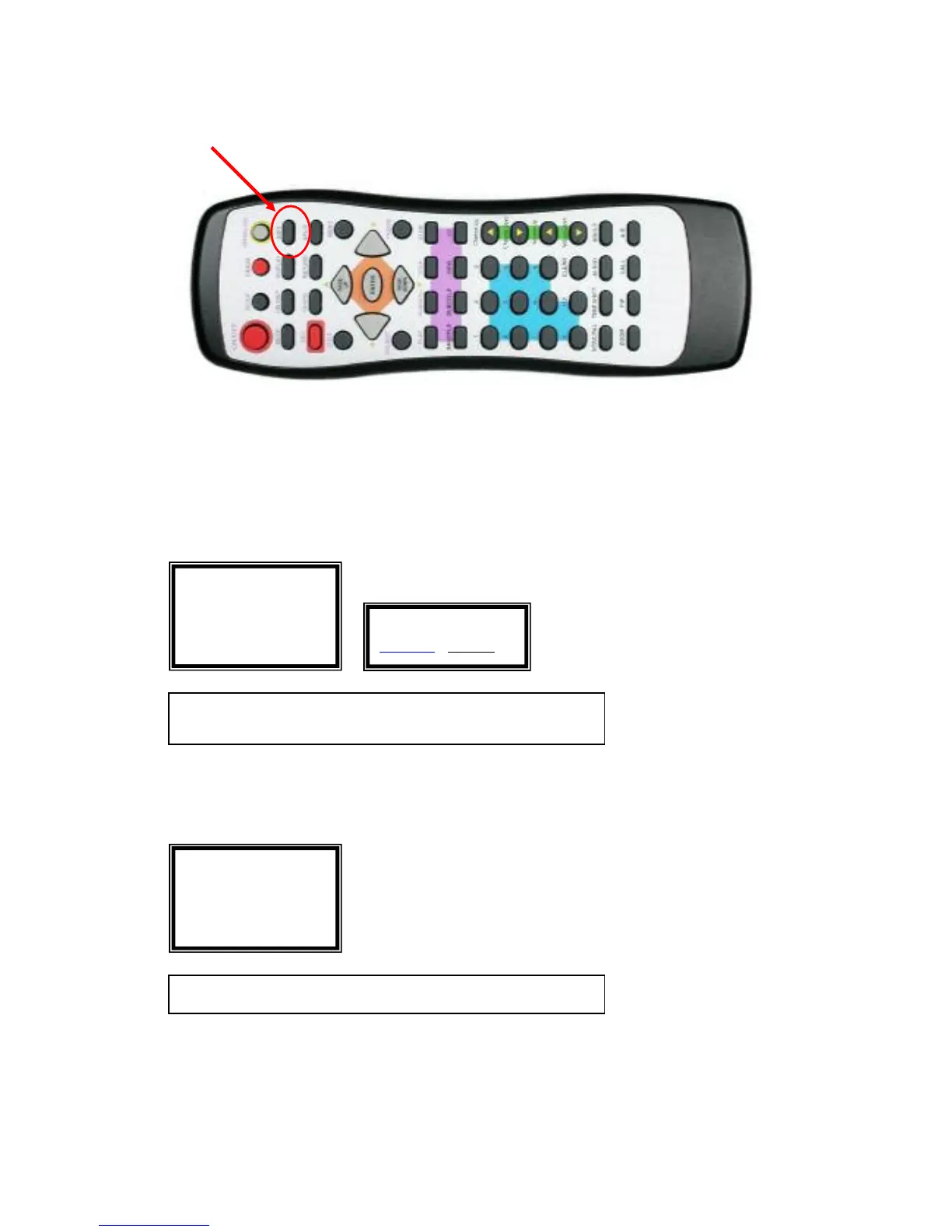
Edit a Clip on DVD+RW DISC:
Press on the “EDIT” Key on the remote to edit a clip on DVD+RW Disc
Please note the EDIT function is only available for using a DVD+RW disc
Erase a Title:
Play a Full Title:
DVDRW EDIT
Erase Title
Play Full Title
Make Compatible
<EDIT> Exit EDIT <UP/DOWN> Select
<LEFT> Return <ENTER> Confirm selection
ERASE TITLE
Confirm
Cancel
DVDRW EDIT
Erase Title
Play Full Title
Make Compatible
<EDIT> Exit EDIT <ENTER> Confirm selection



 To Next Page