19
(F) Word Processor:
Word Processor is part of a suite of office software applications based on Open Office. They are compatible with the vast
majority o f types of office documents to be found anywhere in the world.
To open Word Processor, click the Datawind button on the UbiSurfer. Then click on Programs / Work /Word Processor.
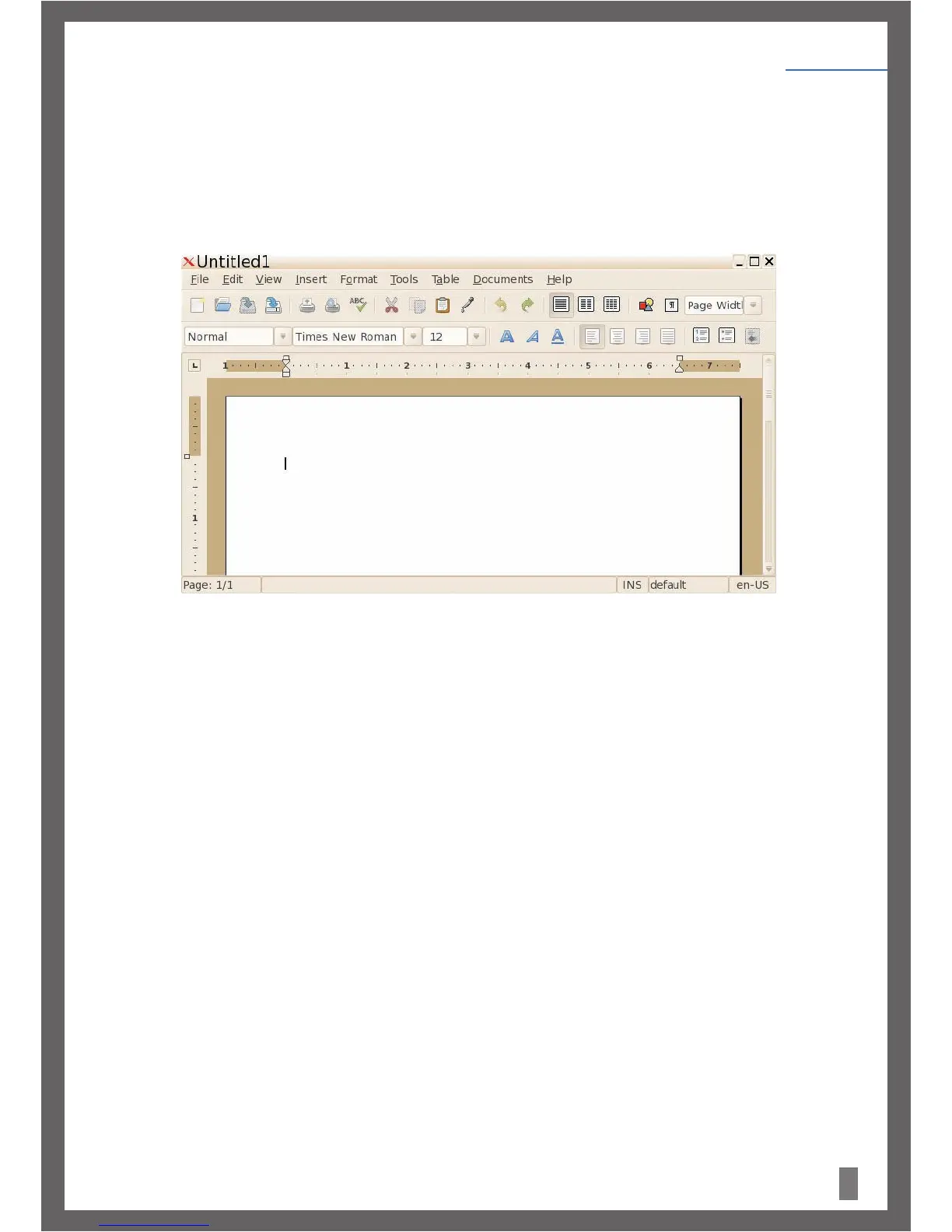
The Word Processor Interface will open as displayed in Figure 23.
Word Processor supports the following file types: .doc, .abw, .dot, .rt, .txt, .zabw, .htm, .html and . xhtm formats. You can also
save your file in these formats.
With Word Processor, you can perform standard word processing applications like Cut, Copy and Paste as well as creating letters and
other written documents.
FormoreinformationonWordProcessor pleasevisitwww.abisource.com
Status Bar
Figure 23.
Getting Started
Chapter 4


 To Next Page