WiFi Bridge for Xbox 360
lndex
1. Getting Started
2, lntroduction
3. System
Requirements
4. Existing
Network
Set-Up
5.
Configure
your
WiFi
Bridge
Using
your
PC
-
Step by Step
6. Connect
your
WiFi MN(
Bridge
to
your
Xbox
360
7. Conligure and Test the
Internet Connection on
your
Xbox
360
8.
AdditionalFunctionality
9.
Troubleshooting
10. Technical Support
1. Gettino Started
Pack
Contents
Before
getting
started,
please
check
that
all
parts
are
present.
lf
anything
is missing,
please
contact
customer
seruices
(see
end of manual).
@
-A*
,<V
(
USBPowERLEAD)
\A
5/-\b
,_
lrt
ilhl
lF I
U J
@*
2. lntroduction
Congratulafions on
your purchase
ot
Datel's
WiFi MM
Bridge
for Xbox 360.
ln conjunction with
your
existing wireless router and broadband Internet connection, WiFi MM Bridge will enable
you
to connect
your
Xbox
360
wirelessly to the Internet to enjoy
online
gaming
and content through Xbox Live".
WiFi M/tx Btidge is
specifically designed to neatly attach to the back ot
your
Xbox 360, and
includes
a
matching
USB
power
connector that draws
power
from
your
console, eliminating the need for an additional
power
supply.
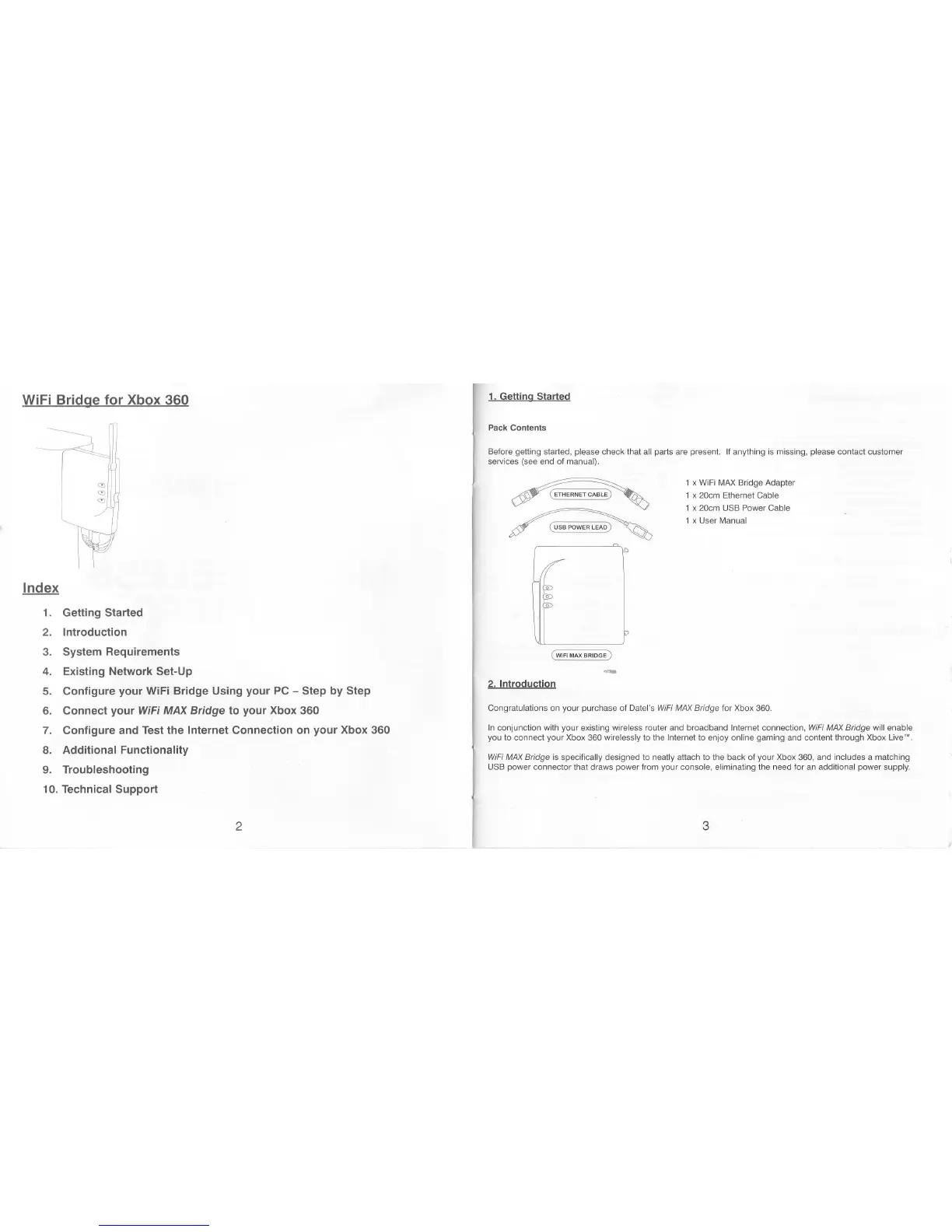
1 x WiFi N4AX
Bridge
Adapter
1 x 20cm Ethernet Cable
1 x 20cm
USB Power Cable
1 x
User Manual


 To Next Page
 Loading...