droning sounds, or possibly when using Mopho to process external audio,
turn the VCA Level up.
Push It Mode: Normal, Toggle, Audio In—When set to Normal, Push It responds
like a key: press it and a note plays, release it and the note ends. But when set to
Toggle, Push It
turns the note on with one press and off with a second press.
This is handy for making a note drone or for latching a gated sequence on.
Somewhat related, the Audio In setting will generate a gate from Audio In.
When the audio signal gets above a certain fixed level, the gate will go on.
When it drops below that level, the gate will go off.
Push It Note: C0…C10—Sets the note that plays when Push It is pressed.
Push It Velocity: 0…127—Sets the MIDI note-on velocity.
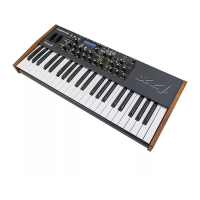
Unison On/Off—Why does a monophonic synthesizer need a Unison switch?
Because it might be poly chained to another DSI synth, the Tetra being the
obvious choice—five voices of analog power, in a very small footprint!
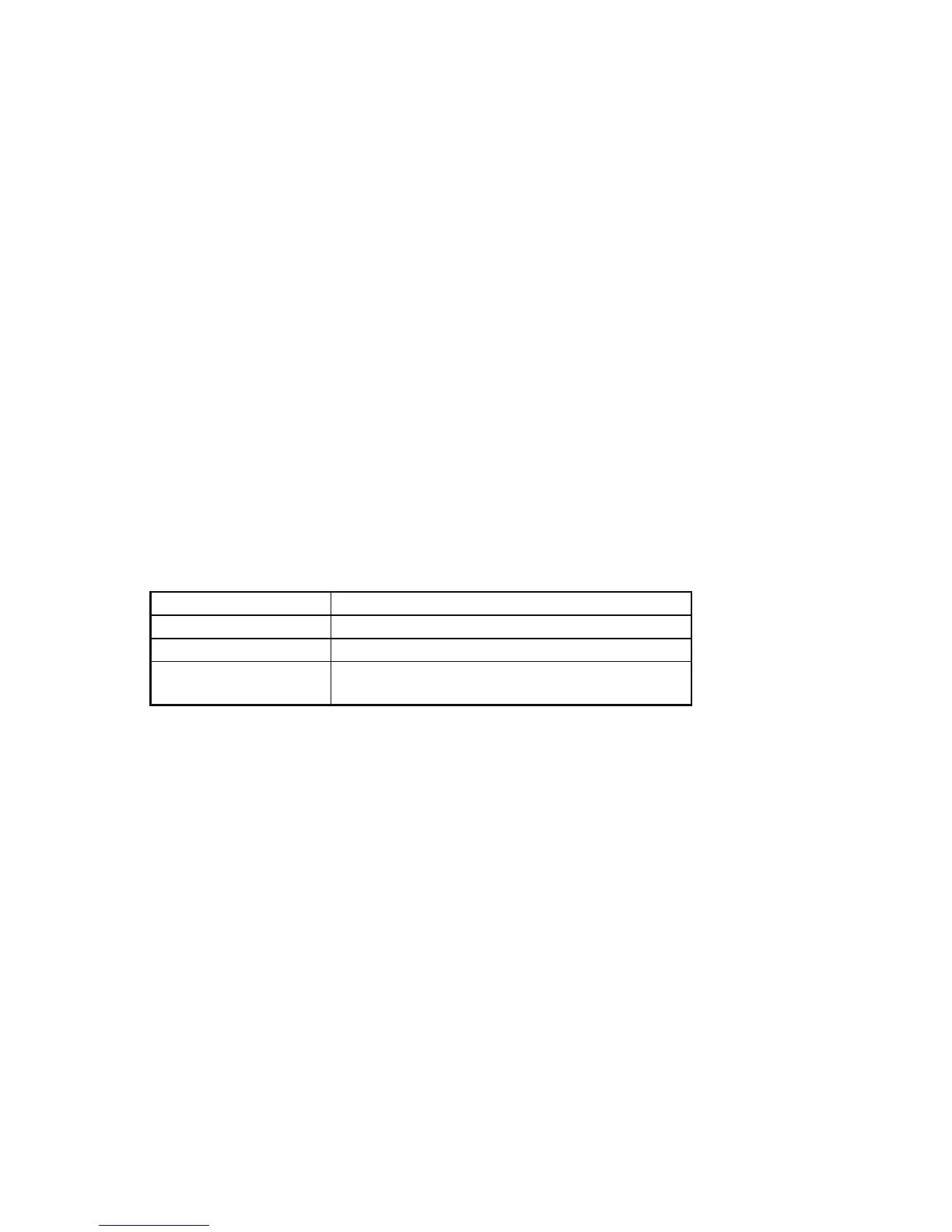
Unison Mode—Sets how voices are allocated and tuned when unison is on.
Display Mode
1 Voice Classic, two oscillator, monophonic mode
All Voices All available voices in unison
AllDetune1-3
All available voices in unison with increasing
levels of detuning among the voices
31


 To Next Page