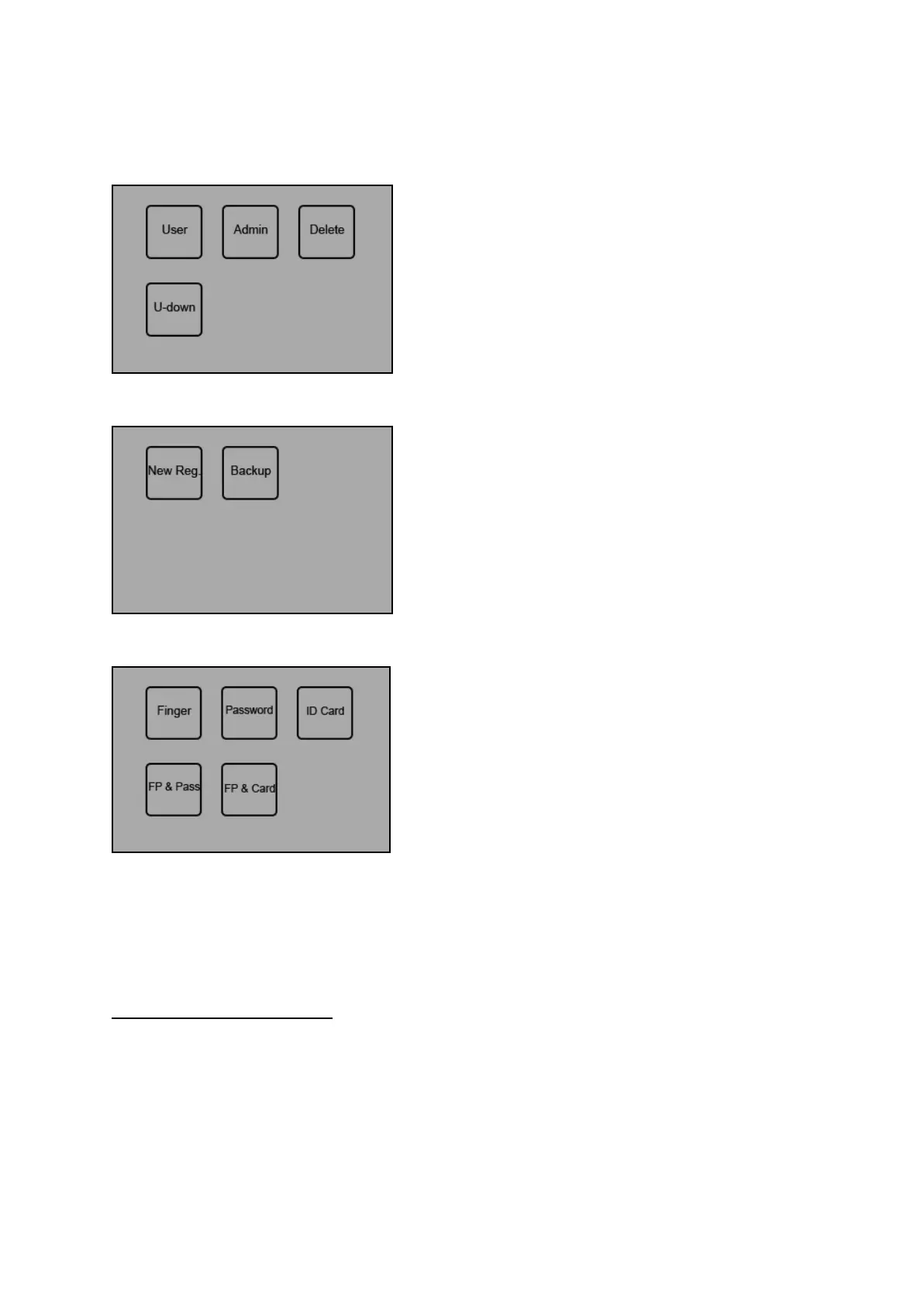
Press [OK] to enter the Register menu, the following message is displayed:
Press [OK] to start the User Enrollment. Then select from the following verification method options:
Press [OK] to start the New Registration process. The following message is then displayed:
3.1.1 Types of Enrollment
1. Fingerprint Enrollment
1) Select Fingerprint and press [OK] for new user enrollment and a new enroll ID# will appear:
11


 To Next Page