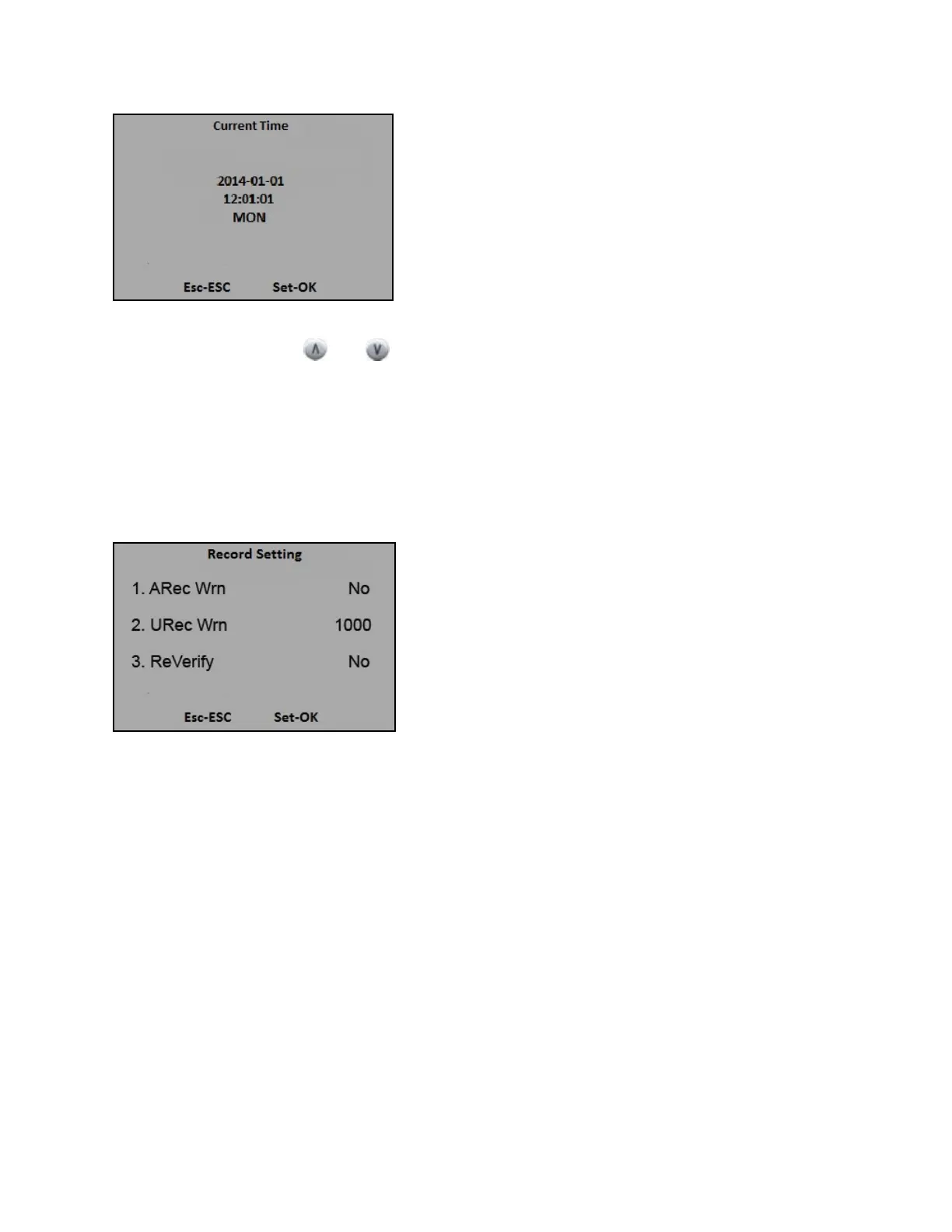
To change the date, press
and . Then input the correct time on the keypad for time settings.
Finally, press [OK] to complete.
4.3 Record Setting
1) Press [M], select “Advanced”, and press [OK].
2) Select “Logs”, the following appears:
3) Press [1] or [2] to set the warning when the terminal’s memory capacity can only save # more log
records before the memory is full. (Enter the number of log records to remind you of the terminal’s
memory capacity approaching to its limit). [1]: number of Administrator’s records for reminder warning;
[2]: number of User’s records for reminder warning.
4) Press [3] to set number of minutes before a user’s other punch is accepted by the terminal. This
function serves the purpose to avoid duplicate punches (Enter # of minutes from 1-255).
20


 To Next Page