Press ENTER after selecting AM or FM band or toggle the arrow to EXIT to exit to the previous menu.
(Figure 10)
AM band supports 9 KHz or 10 KHz tune spacing. AM default is factory set to 10 KHz. Press ENTER
after making a selection to EXIT to the previous menu
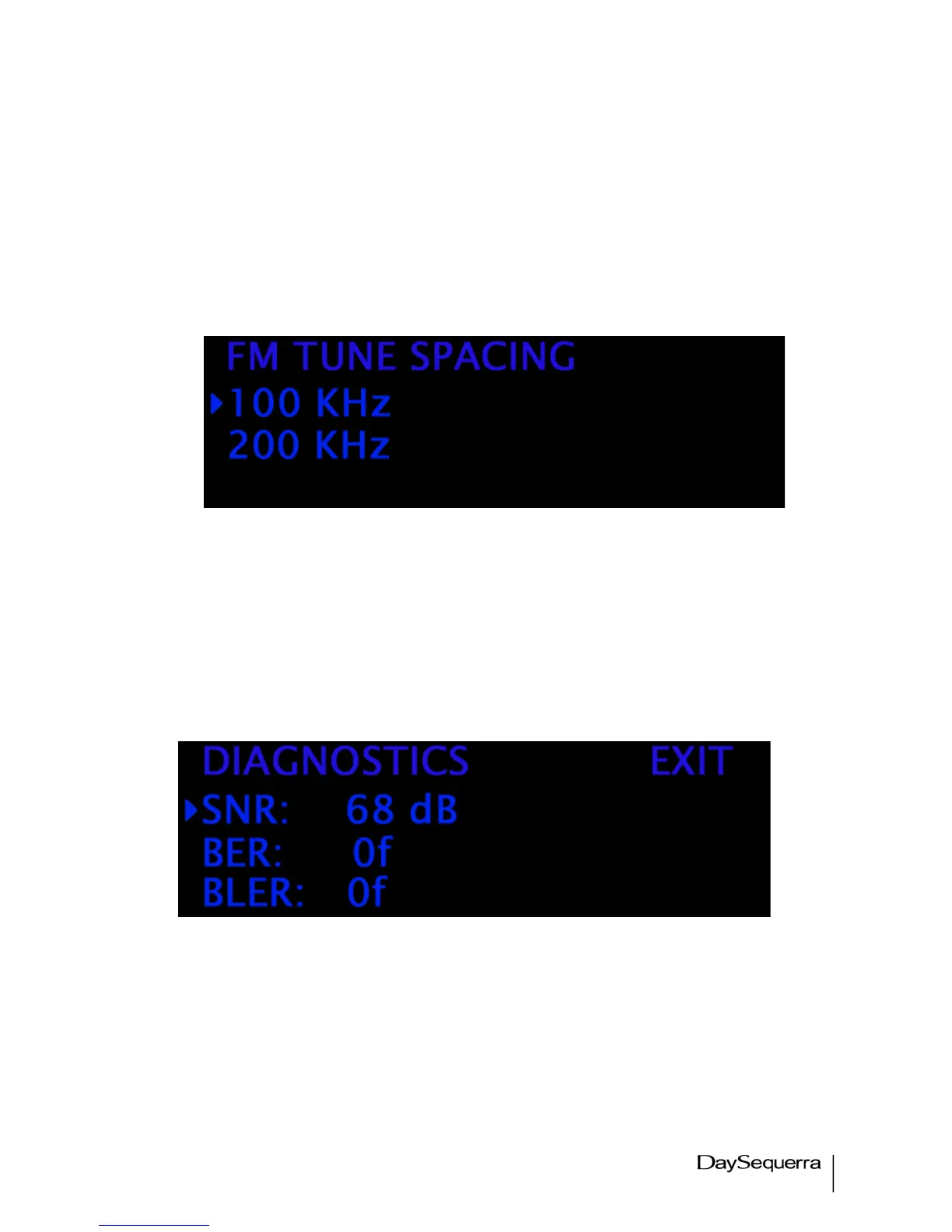
FM band supports 100 KHz or 200 KHz tune spacing. (Illustrated in figure 11.) FM default is factory
set to 200 KHz. Press ENTER after making a selection to save and EXIT to the previous menu
Figure 11.
Diagnostics
A Read-Only menu that displays the SNR (Signal to Noise Ratio) in dB, BER and BLER. The selection
mode arrow is defaulted to the top right corner of the menu. To Exit press ENTER. More
DIAGNOSTICS details can be viewed in the Settings tab of the WebServer.
Figure 12.


 To Next Page