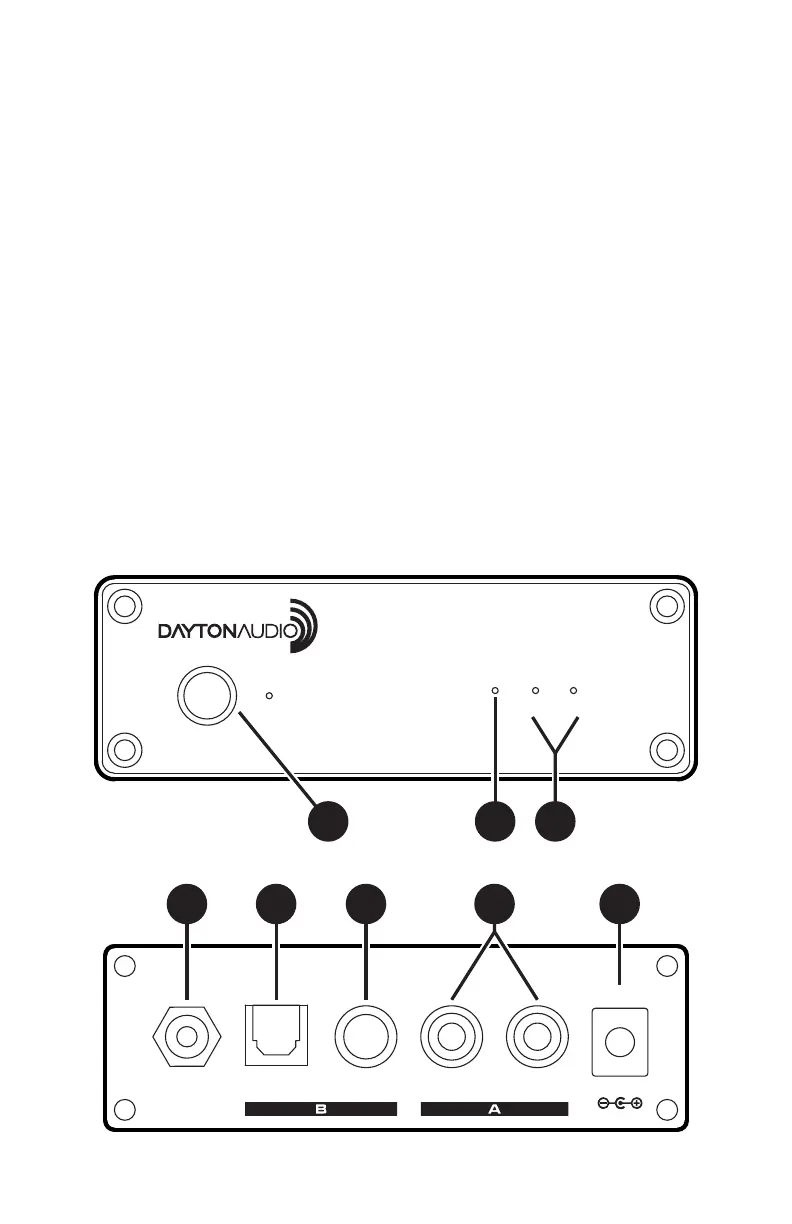
Front Panel
Rear Panel
ANT
MADE IN CHINA
RIGHT
OUT
LEFT
OUT
POWER
DC 12V
OPTICAL
OUT
COAXIAL
OUT
BLUETOOTH AUDIO RECEIVER
4
5
6 7
8
BTR01
POWER
SELECT
ON/OFF
DISPLAY
A OUT B
1 2 3
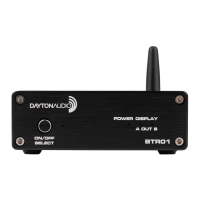
Thank you for purchasing the Dayton Audio® BTR01 bluetooth audio receiver.
The BTR01 Bluetooth audio receiver supports CSR true digital signal outputs and
HIFI lossless music playback. The BTR01 gives you great sounding audio with the
convenience of wireless connectivity.
Coaxial and optical digital and universal RCA L/R Analog outputs makes this product
a great choice for any audio setup.
Front Panel:
1. Power: Pess and hold the on/off button to power on and power off the device.
Select: Press the select button to change the output A (Analog) or B (Digital).
2. Power indicator LED: The light will blink slowly while in pairing mode, once pair-
ing is complete light will remain illuminated.
3. Output indicator LED: A (Analog) / B (Digital)
Rear Panel:
4. Antenna Connector
5. Optical Output
6. Coaxial Output
7. R/L RCA Output
8. DC Power Connection


 To Next Page