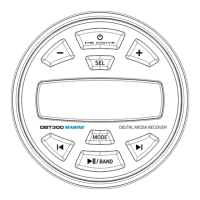
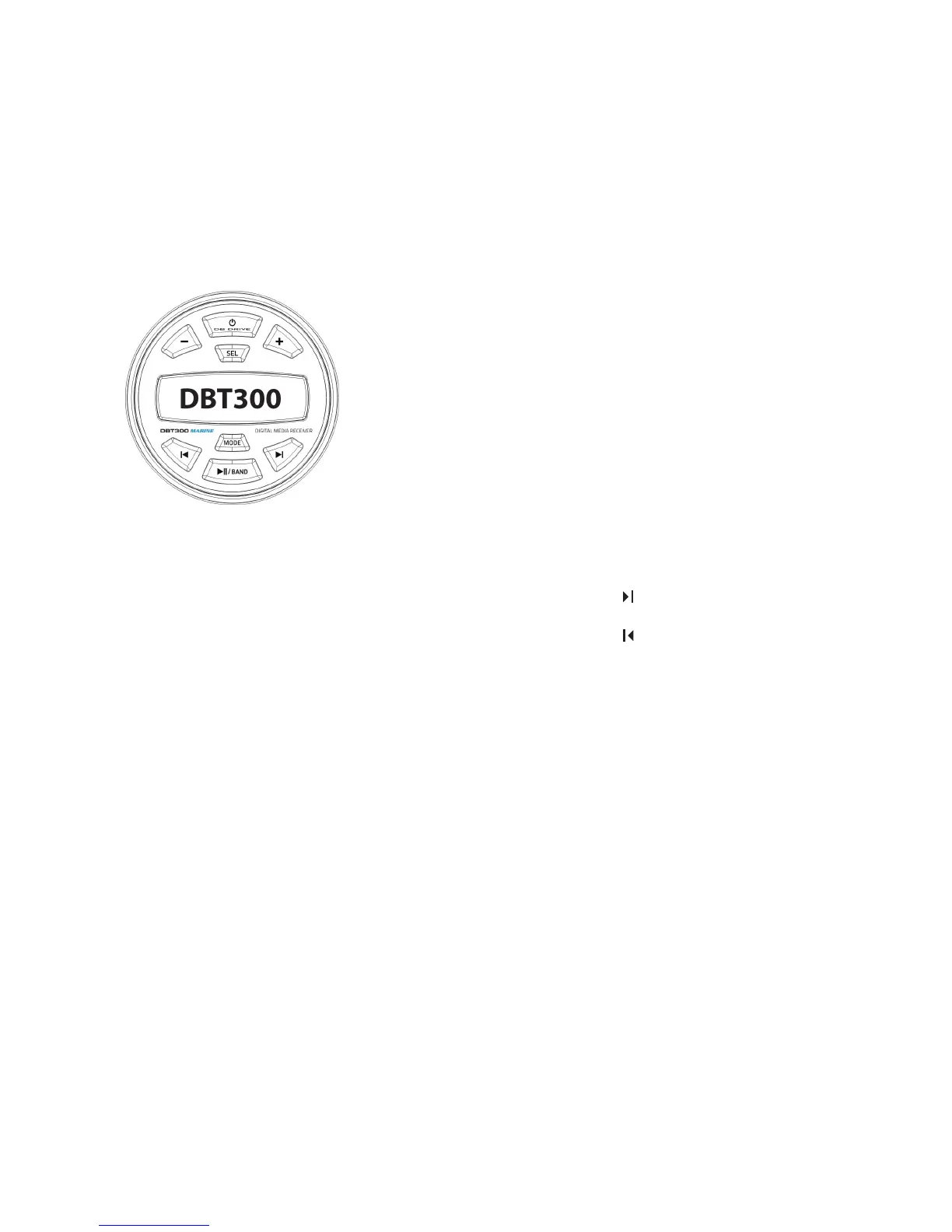
CONTROL PANEL
1. POWER Button
- Press the POWER button to power on the unit.
- Press the POWER button to mute the audio.
- Press and hold the POWER button to power the unit o
2. - Button
- Press the "+" button to increase the volume.
3. + Button
- Press the " - " button to decrease the volume.
4. SEL Button
Audio Mode - Press the button quickly, to see show 'SEL' on the screen.
Then with quick presses scroll through each of the audio functions:
BASS, TRE, BAL, FAD, LOUD, EO, BEEP. Each function is adjusted
using the # 5 button VOL Up/Down
5. Button
- Press the" " button to track up.
6. Button
- Press the" " button to track down.
7. MODE Button
- Press the MODE button to switch between RADIO / BT / MUSIC /
USB /AUX IN.
- Press and hold the MODE button for 2 seconds to access the
Adjustment Menu.
8. /BAND Button
- Press the BAND button to switch between AM & FM in Radio mode
- Press the BAND button to play / pause in USB mode.
WIRING CONNECTIONS
12V+ Battery Yellow
12V Switched Accesory Red
Chassis Ground Black
External Amplifer Remote Turn-on Blue
Speaker Wiring
Front Left + White
Front Left - White/Black
Front Right + Gray
Front Right - Gray/Black
Rear Left + Green
Rear Left - Green/Black
Rear Right + Purple
Rear Right - Purple/Black
External Amplier RCA Connections
Left White
Right Red
4 5


 To Next Page
 Loading...