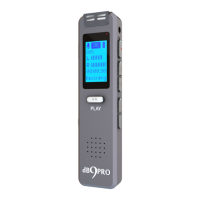
dBR-D1 Voice Recorder
16
press “ ” or “ ” to select the hour or minute,
and use “+/-” to adjust the time. Once it is set,
you need to also specify the duration of the
recording (Length) in minutes. Once set, at the
specified time, the recording will start
automatically and when it has reached the
specified length, the file will be
saved and the recorder will go to
sleep mode.
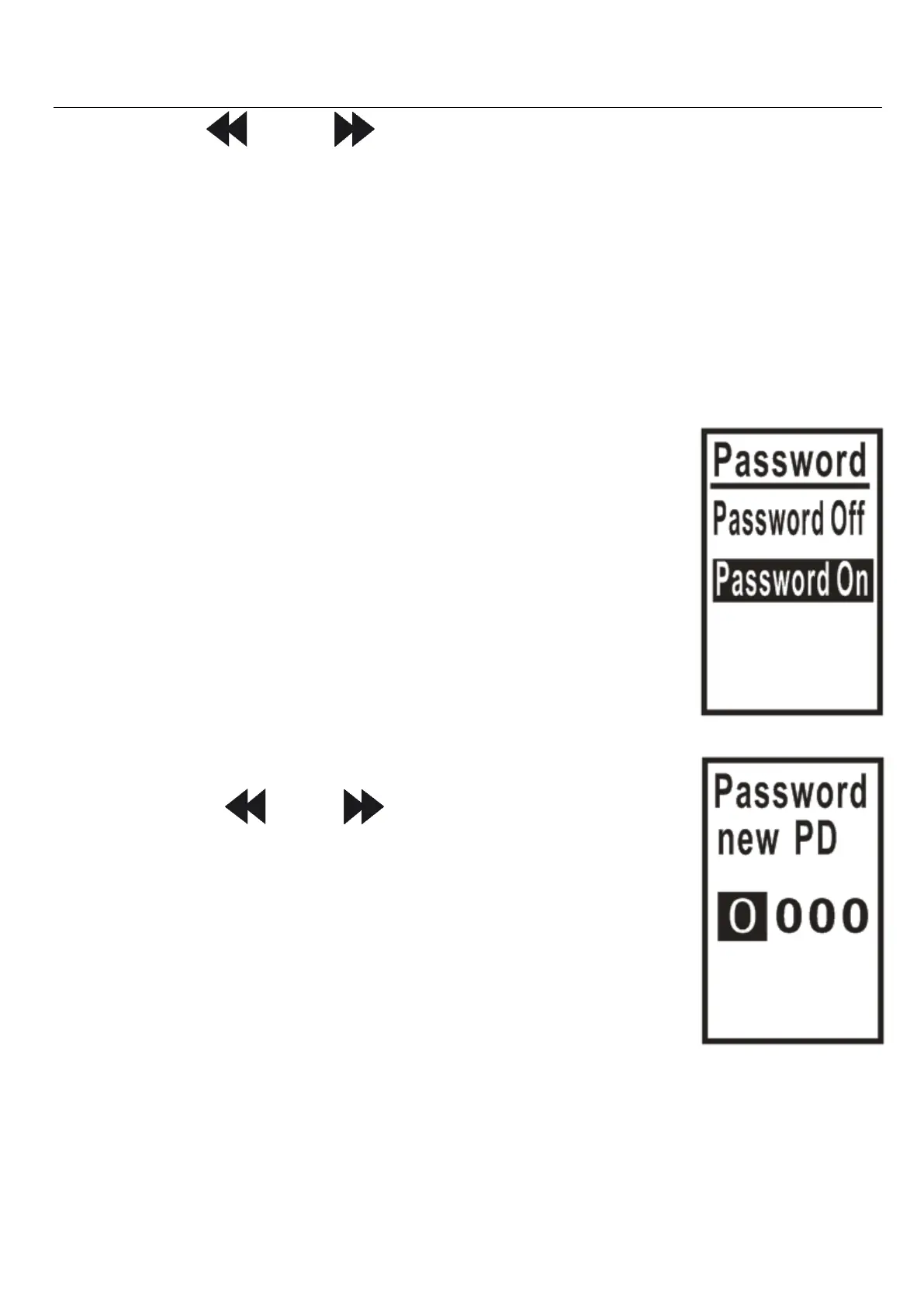
1) Password Switch
a. Password Off
b. Password On
This toggles the password ON/OFF.
2) Password Set
Press “ ” or “ ” to scroll between
options; “+/-” to adjust the number.
This allows you to specify your
password.
Please keep your password safe.
If you forget your password, enter
9999 and hold down the “M” key to bypass the
password.


 To Next Page
 Loading...