dBR-D1 Voice Recorder
17
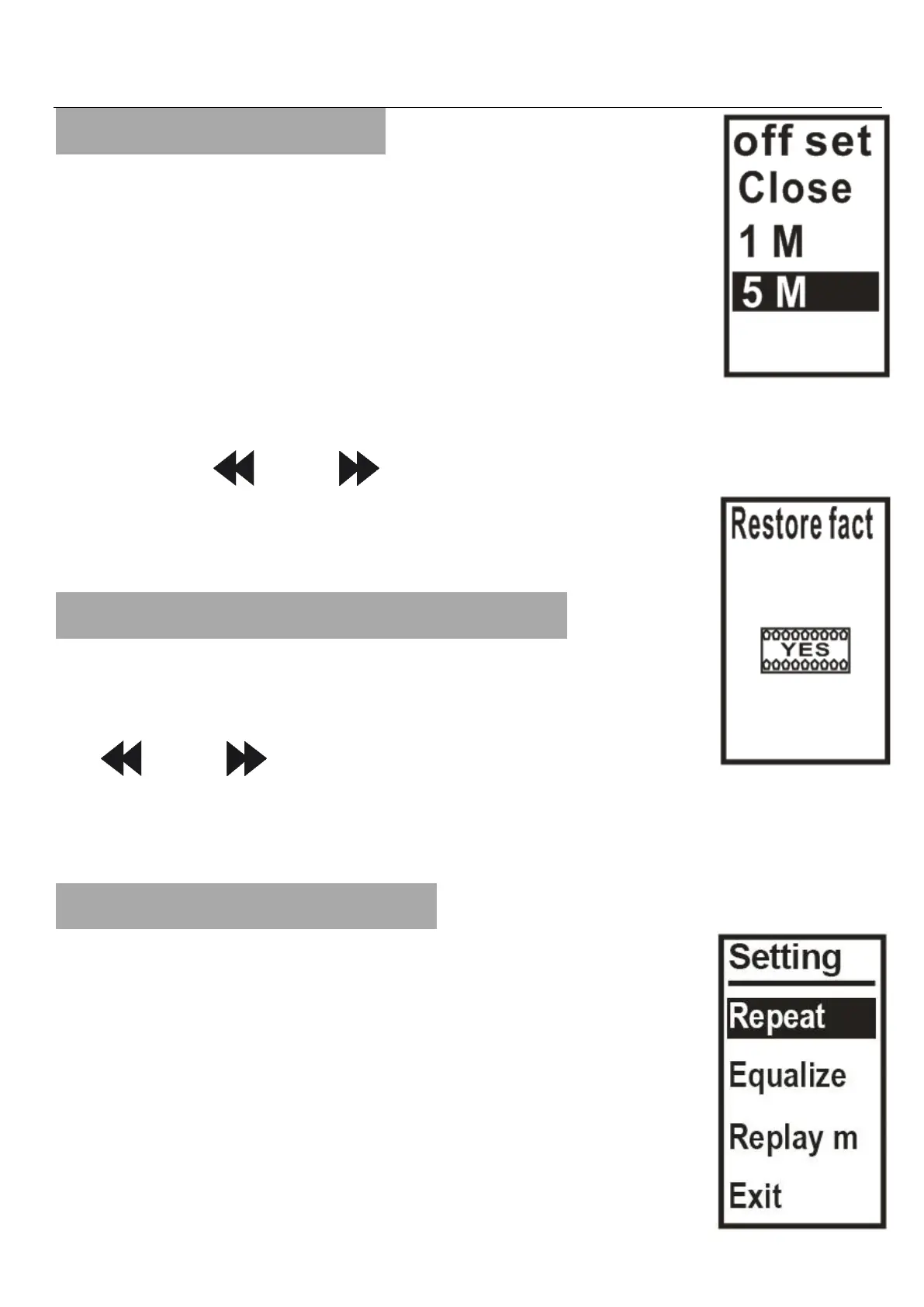
16. Auto switch off
a. Close
b. 1 Minute
c. 5 Minute
d. 10 Minute
e. 30 Minute
f. 60 Minute
Use the “ ” or “ ” keys to scroll and
PLAY to save your selection.
17. Restore factory Settings
All settings are restored to the
default factory settings. Please use
“ ” or “ ” keys to select and press
PLAY to execute.
18. Playback Settings
While playing files, hold down “M”
to access the playback settings.
Repeat Mode:
Repeat once
Repeat All


 To Next Page