dBR-D1 Voice Recorder
18
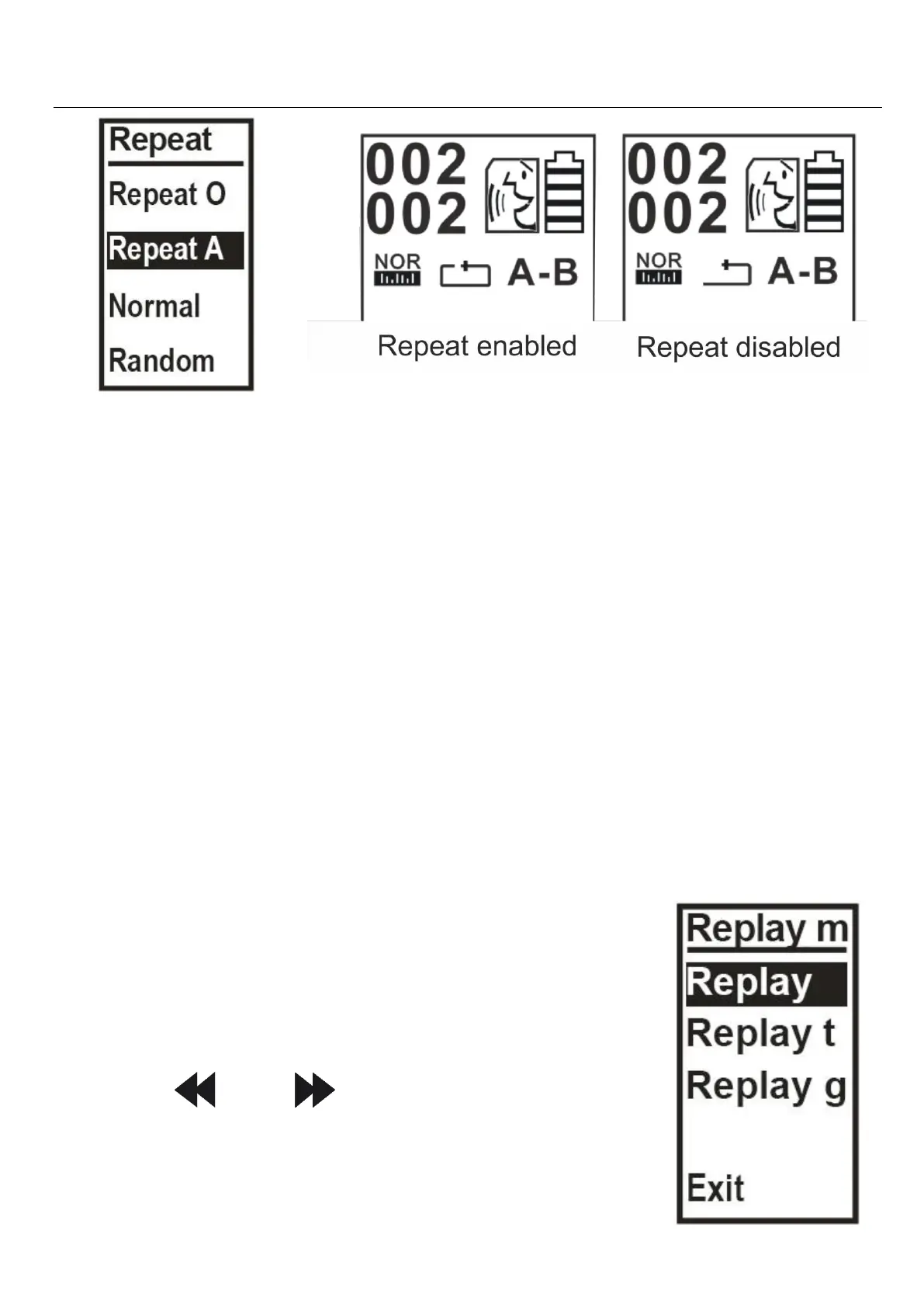
Normal (stops playback after sequence is
finished)
Random (randomized playback)
To exit, press "M".
You will see the arrow on the screen will change to
indicate the playback type.
Equalize mode
"Equalize" changes equalization settings during
playback. Choose from various
preset options.
Replay mode
Press “ ” or “ ” to scroll, PLAY to
save and “M” to exit.


 To Next Page