dBR-D1 Voice Recorder
6
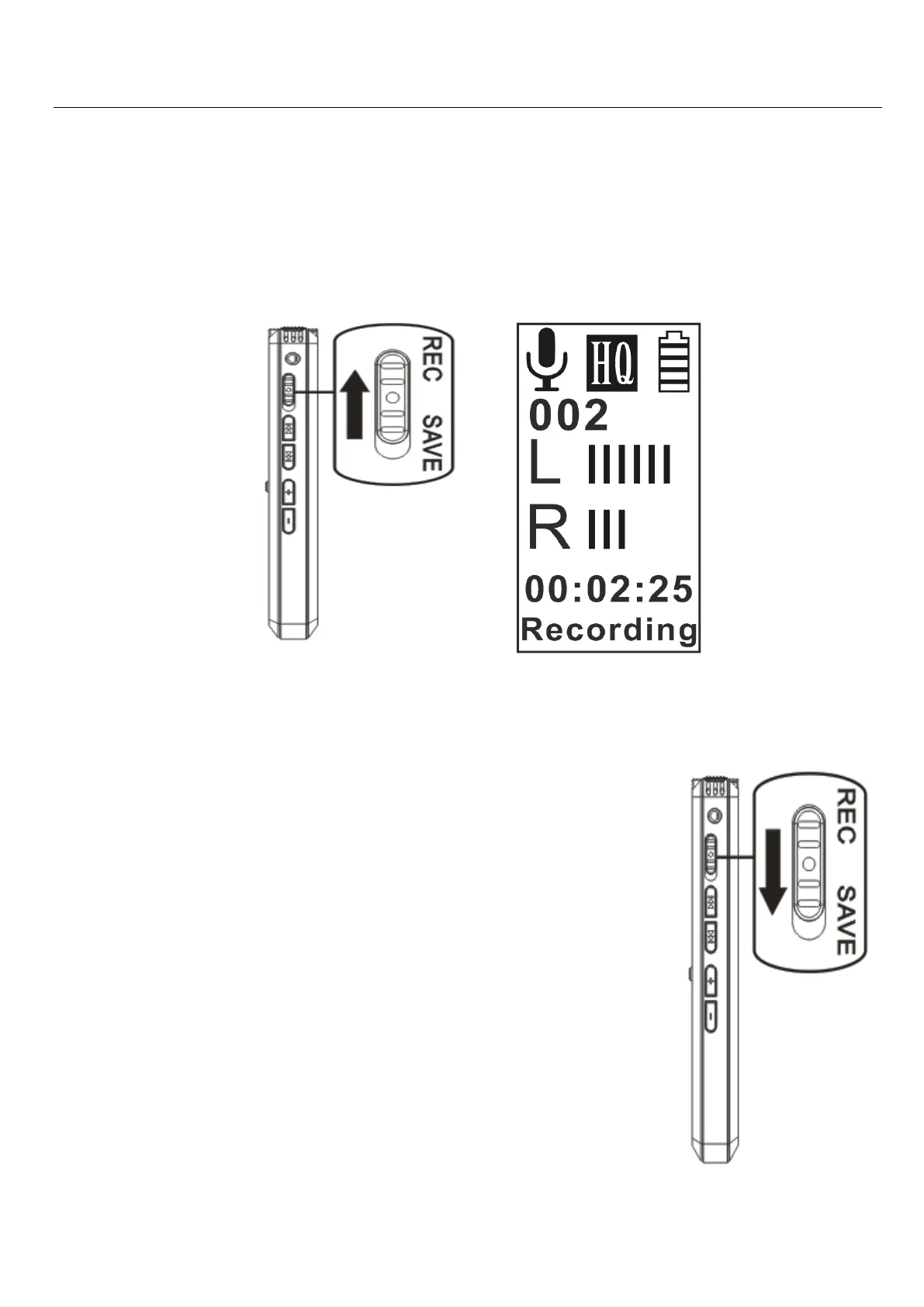
Slide the REC/SAVE switch towards REC to
enter recording mode.
Place the recorder so that the built-in
microphones face the direction of the source.
Place the recorder so that the built-in
microphones face the direction of
the source to be recorded.
The new file will be automatically
recorded as the last file in the
current folder.
Now slide down the REC/SAVE
button” to “SAVE” to stop and
save your recording.
(NOTE: If you turn the power


 To Next Page