1. Battery. Please recharge the Battery for at least 12 hours before the initial
use. However, if you connect this player with AC power, you can use it
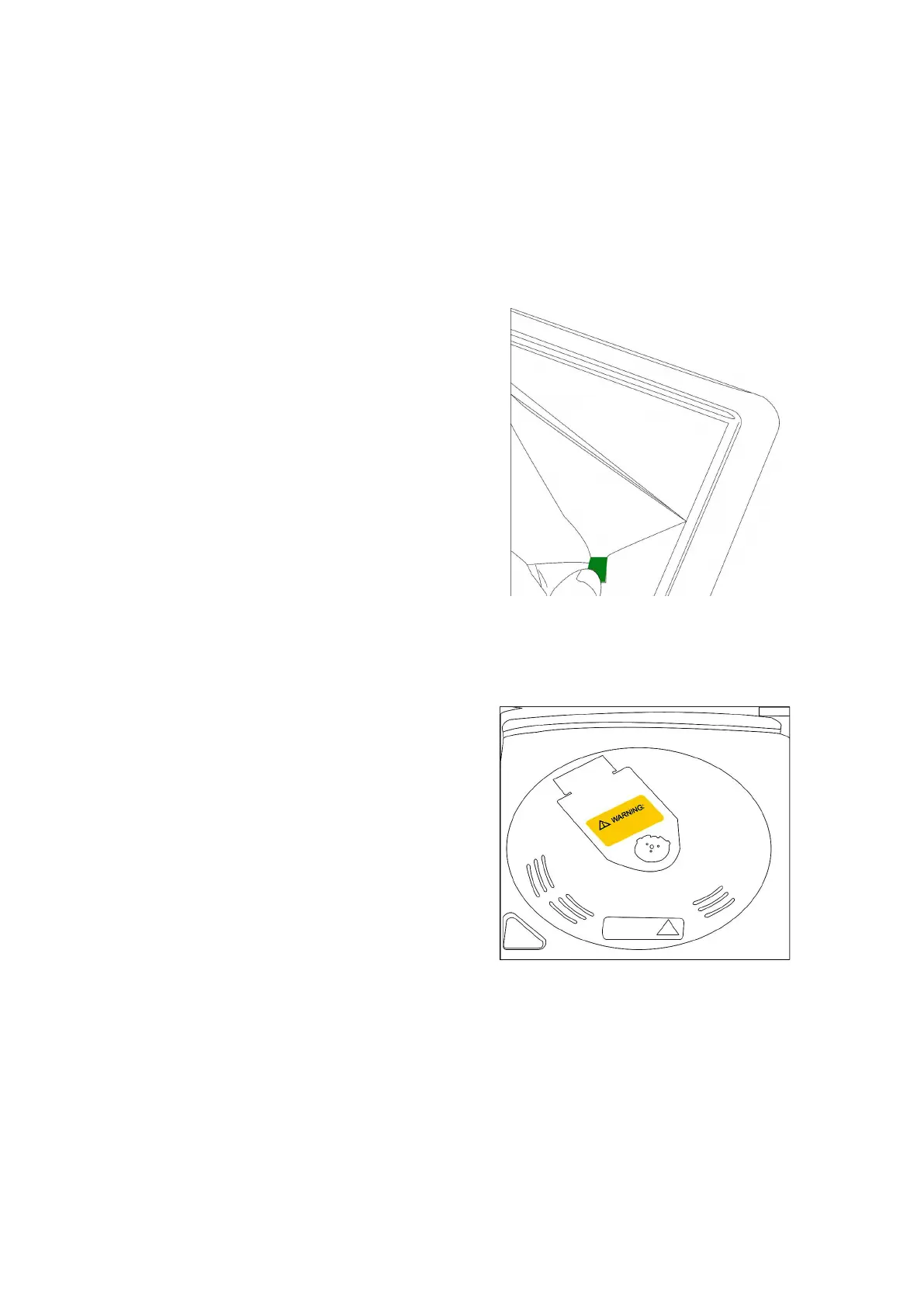
2. LCD Screen. If you find scratches on the screen, just remove the screen
3. Laser pickup. There is a yellow card inside the player. Before you insert a
disc, please remove the card. Please DO NOT touch the laser pickup or
other parts with your hand.
4. Language Setting. Press Key [SET UP] -> [OSD language] -> Change the
display language. It is the same procedure for Audio, Subtitles and the
5. Full Screen Setting. Press key [SET UP] ->[TV TYPE] ->choose 16:9
(Notice:If you want to get full screen, your DVD must be 4:3 disc)


 To Next Page