”button to manually choose the channel that you want. Long press those
buttons to adjust the volume. Rapidly pressing the button will change the channel
tuning.
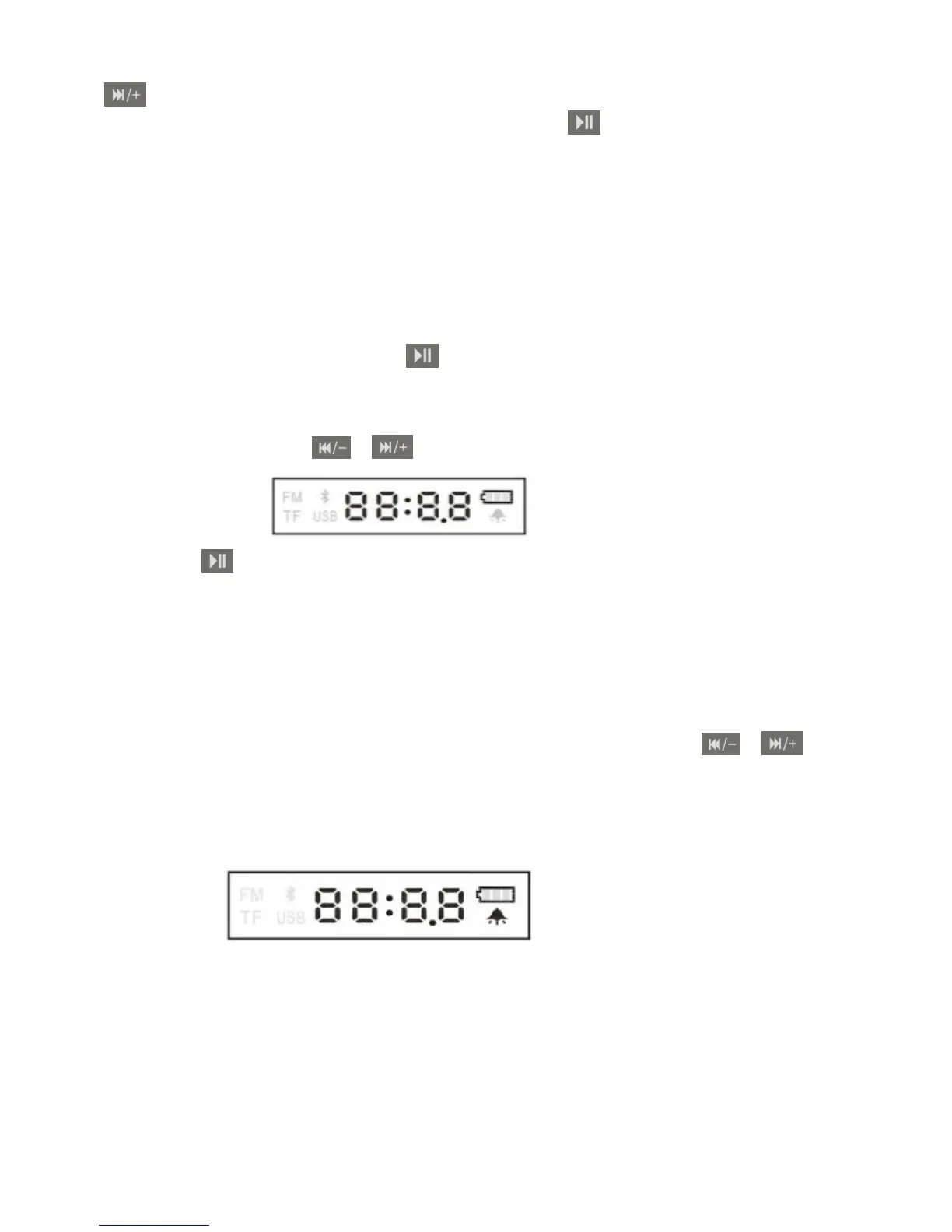
3. Time setting:
In time mode, keep pressing the button
And then rapidly press the /
buttons to adjust the time accordingly
Press the button to switch between the hour and minute.
4. Alarm clock:
1) In time mode, press the alarm button to turn on / off the alarm
2) Alarm time set up: Keep pressing the alarm button and then press the /
in order to adjust the time accordingly. Press the alarm button to switch between
hour and minute.
3) Alarm music setting: In USB/TF card mode, choose the song that you like
to be set as alarm music and then press the alarm clock button. The screen will
display ”
-AL-
”, which means that you have successfully set up the new medley.
If the song was not successfully set as the alarm medley it will display “Didi”.


 To Next Page
 Loading...