4
Quantum
dbx
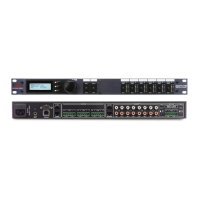
Analog Level Meters
The analog level meters monitor the analog input and output signal levels.
TSE™ Audio Level Meters
The TSE
TM
meters monitor the level of Tape Saturation Emulation.
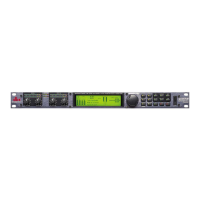
LCD Display
The large LCD display shows the various programs, curves, digital meters, parameters, and
modules that have been selected using the function buttons and/or the DATA WHEEL.
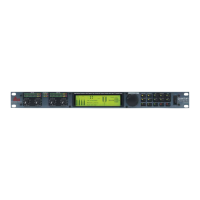
Data Wheel / Selector
The DATA WHEEL changes selected parameters, programs, etc. Pressing the DATA WHEEL
moves the cursor from parameter to parameter.
Function Buttons
The function buttons allow access to the QUANTUM’s various programs, modules, utilities,
and parameters.
Power Switch
The Power switch turns the QUANTUM on and off.
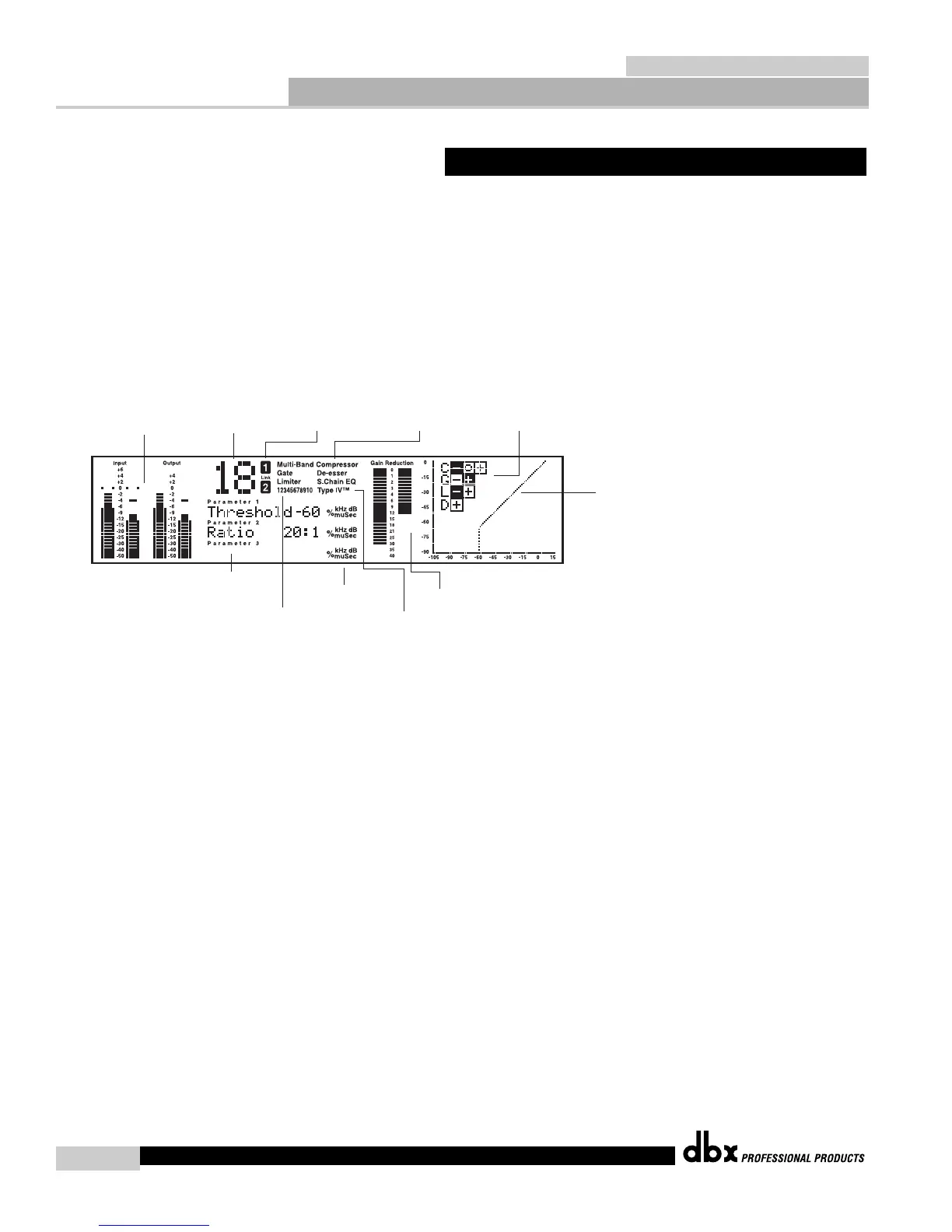
The Curve Window
After you have chosen a program, you may want to change some of the parameters to meet
your specific needs. One of the QUANTUM’s most useful tools for creating compression
curves is the curve window, which allows you to see the combined effects of dynamics-
related parameters in a graphical format. The figure below shows the parts of the curve
window that are displayed as you edit gate, compressor, and limiter functions.
Fig. 1.1


 To Next Page