EasyManua.ls Logo

Dcm MC-HD200 - Page 7

Default Icon
39 pages
Print Icon
To Next Page IconTo Next Page
To Previous Page IconTo Previous Page
Loading...
6
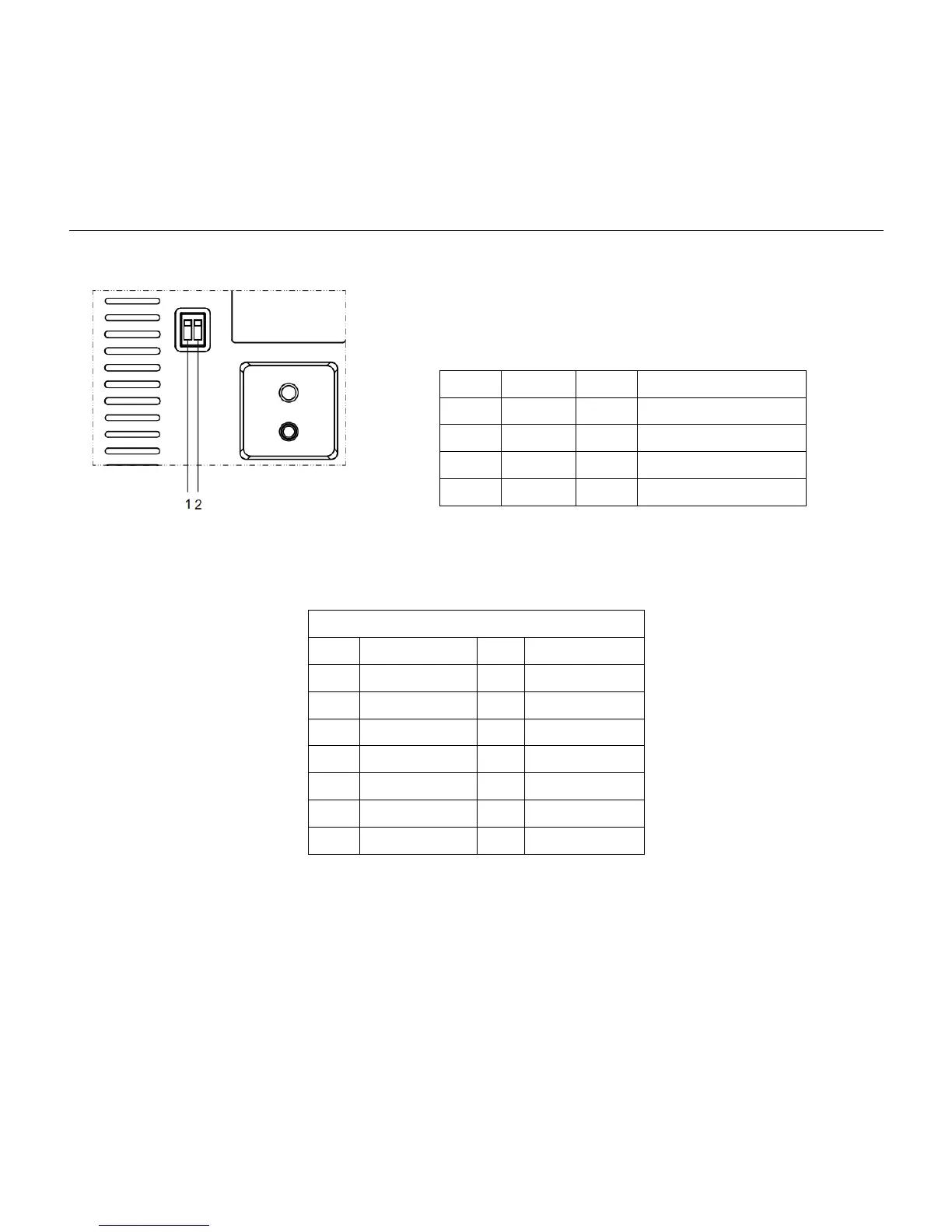
Step2. Setting of the bottomswitches
Set both of the switch1 and switch2 to ‘OFF’. That is Normal
Working Mode.
Step3. Setting of the system select switch
The option of video format:
VIDEO SYSTEM
0
1080p60
8
720p30
1
1080p50
9
720p25
2
1080i60
A
1080p59.94
3
1080i50
B
1080i59.94
4
720p60
C
720p59.94
5
720p50
D
1080p29.97
6
1080p30
E
720p29.97
7
1080p25
F
-
CAUTION:
a. After changing the switch,you need to restart the camera to take effect.
b.Please selecting the correct video format which the camera can support. If the camera so not support the
video format you choose, the camera will choose default output video format.
SW-1
SW-2
Modes
1
OFF
OFF
Normal Working Mode
2
ON
OFF
Software Update Mode
3
OFF
ON
Factory Debug Mode
4
ON
ON
None