5 EM50G CELLULAR COMMUNICATION Em50 Series
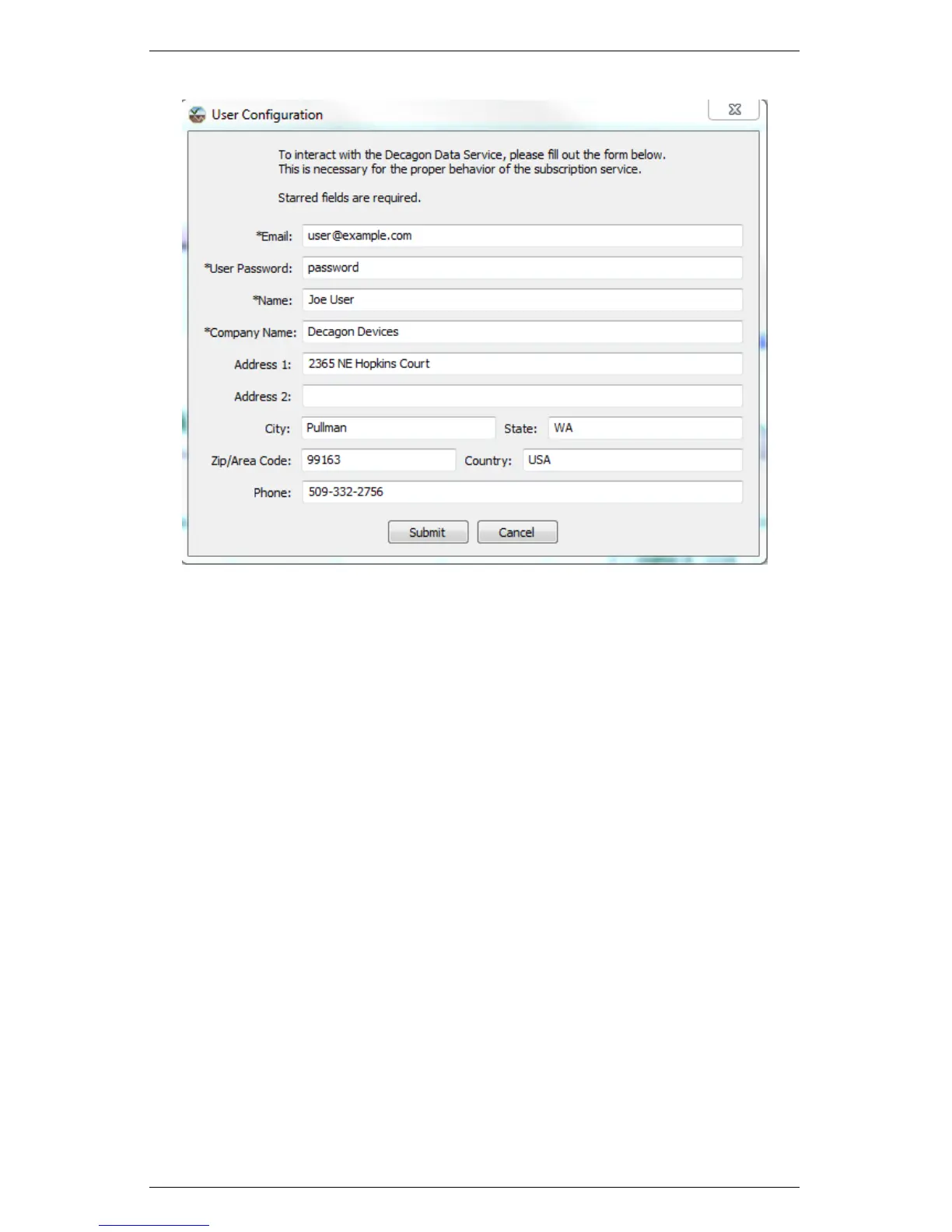
Figure 11: User Configuration Screen Shot
Decagon uses this information to link you to your subscribed Em50G
so that we can provide customer support in the event that your log-
ger is not working correctly. You can update this information at
any time by choosing “User Configuration” from the Settings menu.
Once you have completed the user information, you are ready to add
new subscription information.
In order to download data over the Internet for a specific logger,
you must first “subscribe” to that Em50G logger. You may sub-
scribe to any number of Em50G loggers. Remember that during the
subscription process you must be connected to the Internet. Follow
steps 1 through 5 to subscribe using DataTrac 3.
1. Click Set-up > New and then “Em50 subscription.” The The
Add Subscription Window appears.
42


 To Next Page