8
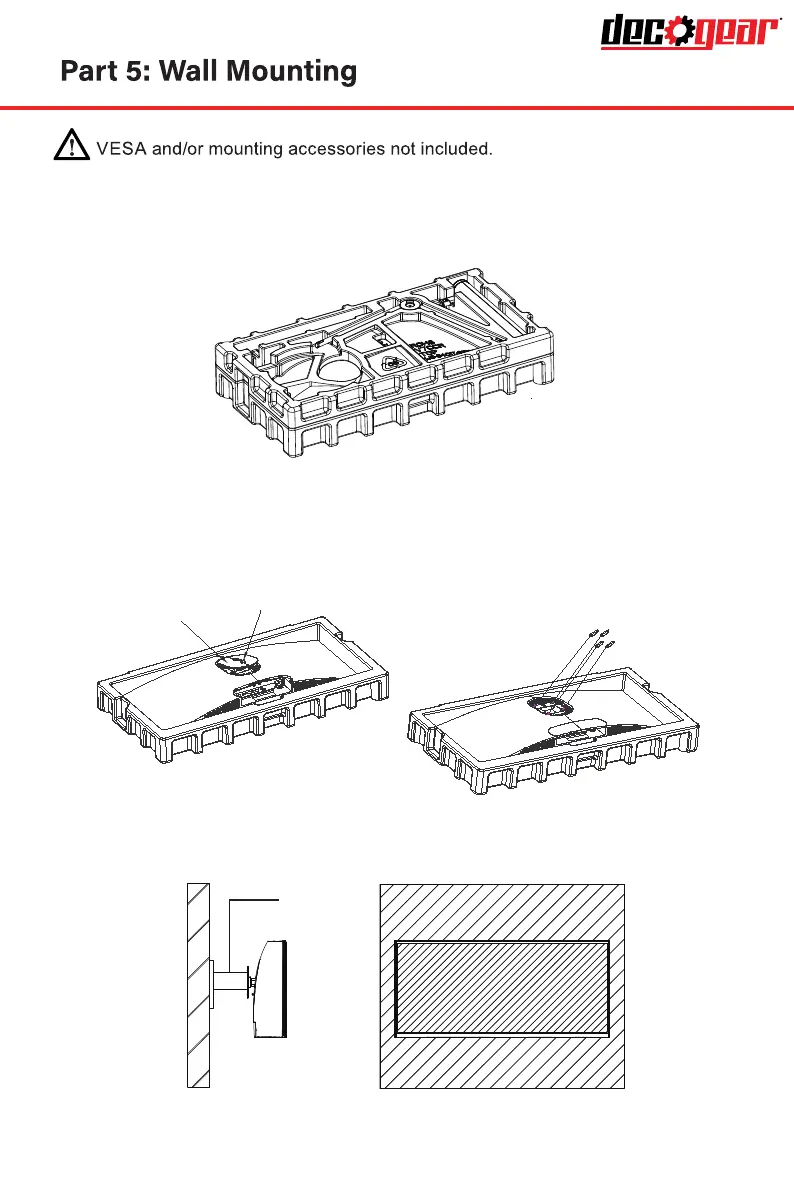
1. Open the package and take out the product with foam still attached. Gently
place in on a desktop or table. Remove the extra parts and the foam covering
the monitor. If the monitor is already attached to the stand. remove the stand.
2. Press the button to remove the adapter on back of monitor, then tighen
the included four screws on to the mounting holes on back of monitor.
3. Install the monitor on the wall, mount, or fixture as desired.
Mount
(Not included)
Quick click
Screws x 4
Shaft assembly parts


 To Next Page