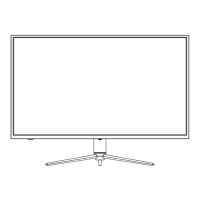
lndicator light
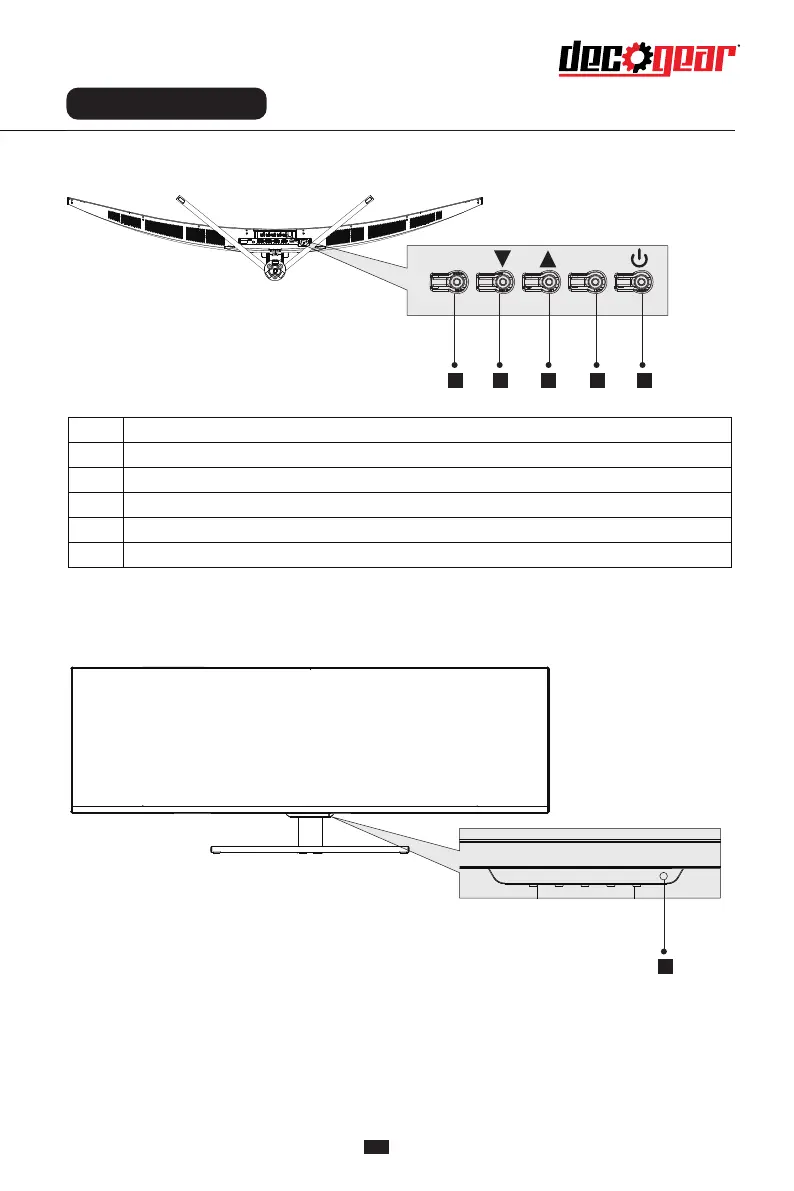
Description of buttons
Explanation of indicator light
Instructions for use
Menu selection key: Enter the next menu / shortcut to the main menu
Downward selection key: Move down in the menu/quickly enter the game sight
Up selection key: Move up in the menu / quickly enter the switch4K/5K
Exit/Hotkey: Return to the previous menu / Quick access to switch color format
Power switch key: Press to turn on/off the monitor
6. Indicator light: blue light indicates the power is on and the monitor runs normally. Flashing
blue light indicates no video signal detected or low voltage. Please make sure that your computer is
turned on and all video cables are fully plugged in and/or connected.
Button Function
1
2
3
4
5
7
1 2 3 4 5
6
M
E


 To Next Page