14
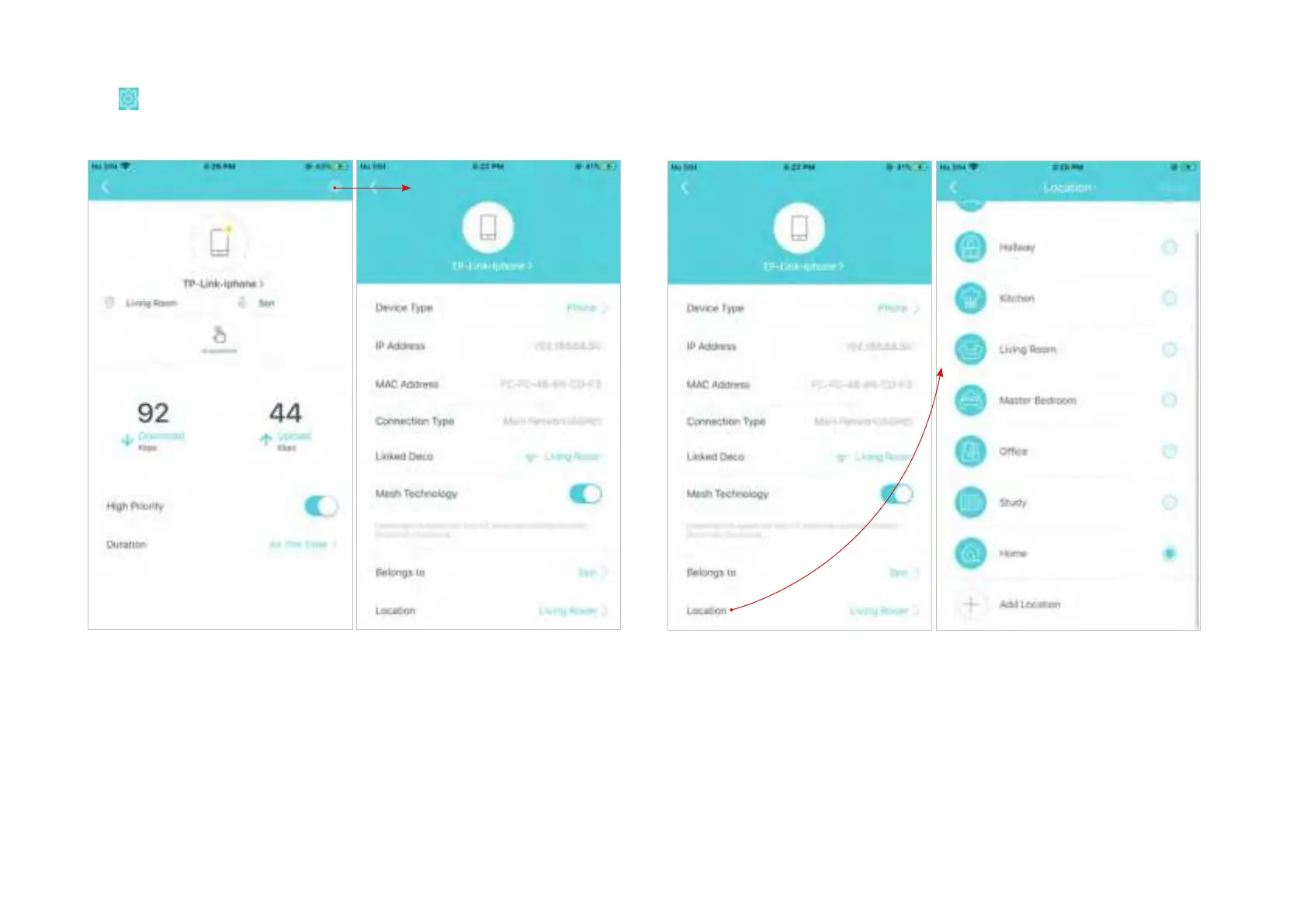
Tap
to manage the device settings, including changing the device
name/type, viewing device detailed information (IP address, MAC
address, connected network, linked Deco, etc.), and more.
Tap Location to sort the devices by customized locations so that you can
quickly find and manage the devices.


 To Next Page