9
1
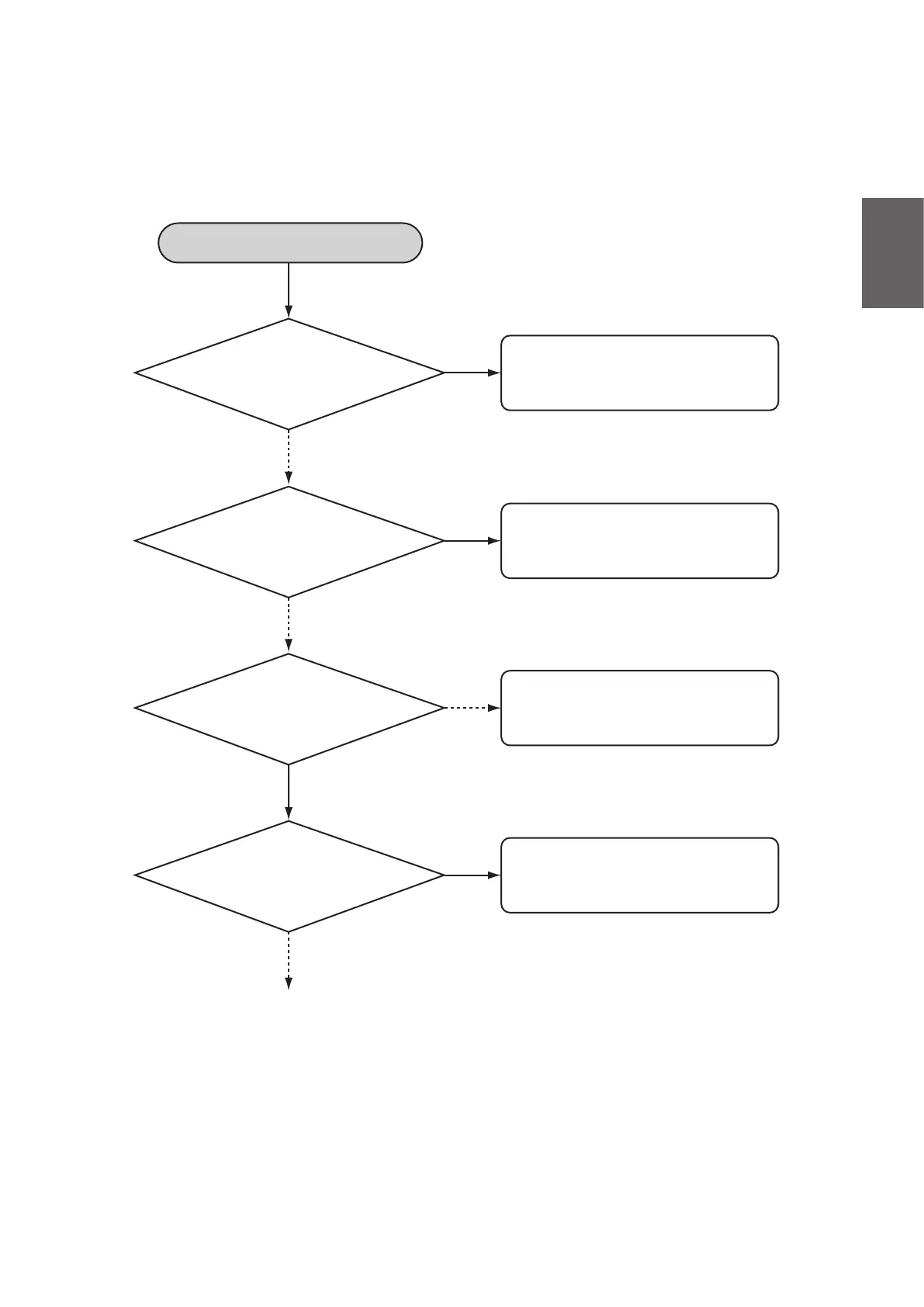
Start diagnosis
Is the battery fuse blown?
Has the battery voltage
dropped below 20V?
Does the switch on the
board operate when it is
pushed directly?
Is there an open circuit,
or a failed or detached
connector?
The battery management system
may have failed. Contact a person in
charge of service.
Eliminate cause of the blown fuse,
then replace the fuse.
Charge the battery.
The indicator switch is broken.
Repair the open circuit of the board
lead wire, or the failed or detached
connector.
Disassemble the battery case
Yes
No
No
Yes
No
Yes
No
Yes
(4) Troubleshooting the Battery Management System
If the battery management system cannot show the capacity or is unable to charge, diagnose the
systembyreferringtotheowchartbelow.



 To Next Page