14
ENGLISH
1414
An example of connecting a remote alarm box to the Digital Sprite 2.
Remote Keyboards
A remote keyboard (DM/KBS3) can be connected to the Digital Sprite 2 to
provide extra functionality, such as:
• Remote control from a distance of up to 1500m (490ft).
• Control of multiple Digital Sprites.
• Control of on-board telemetry.
• Jog/Shuttle playback using the joystick.
• Panic alarm button - activates the system panic alarm zone input on the
Digital Sprite 2.
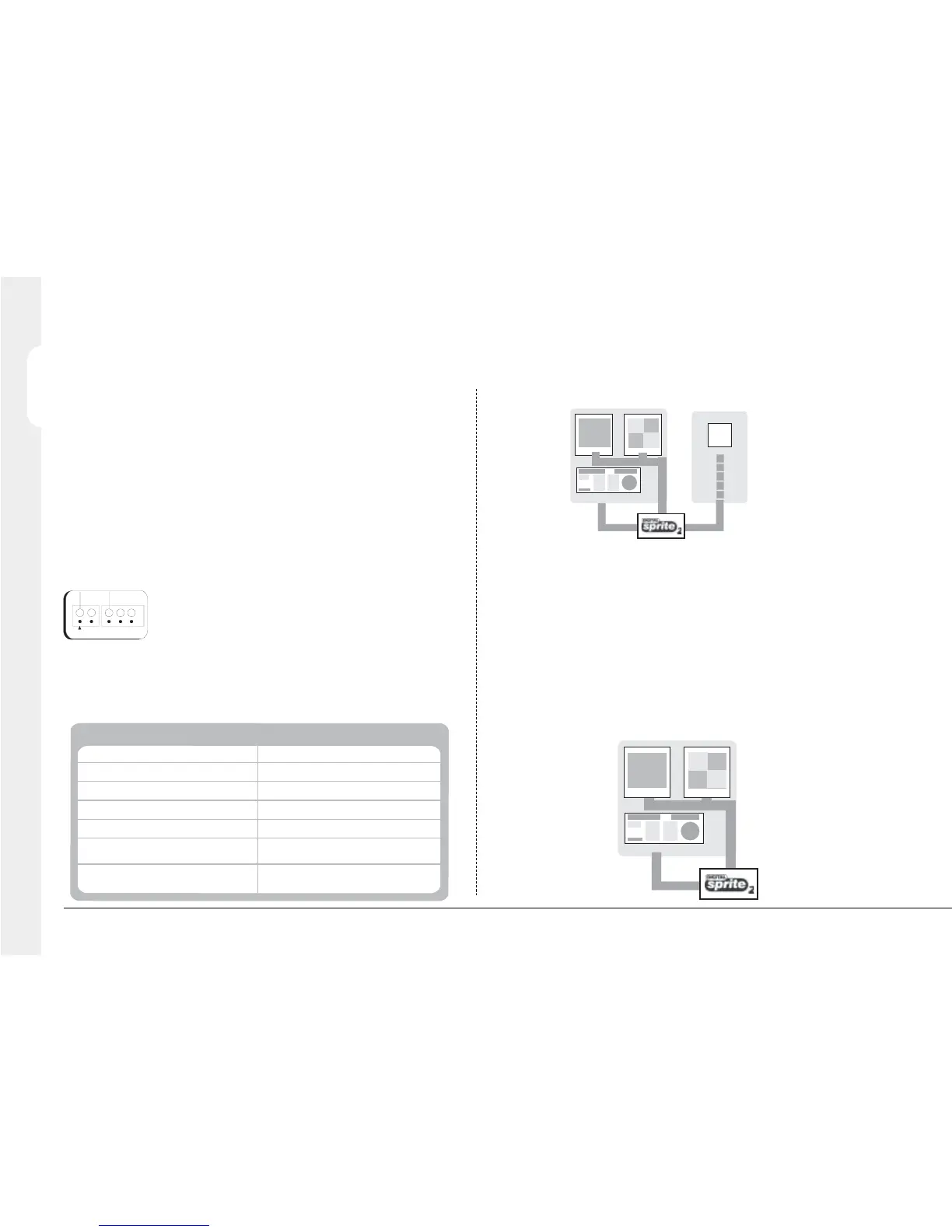
The example below shows a remote keyboard connected to a Digital Sprite 2:
14
Connecting additional alarm modules
Optional alarm modules (DM/CI01) can be added to the Digital Sprite 2 to
increase the number of alarm inputs. The Digital Sprite 2 can support multiple
alarm modules connected to the 485-bus.
To add alarms:
1. Connect the corresponding alarm contact to the alarm input, i.e. Alarm 2
would be connected between ground (GND) and A2.
2. If multiple alarm modules are required then each will need to be
addressed; consult the alarm module documentation for details.
3. Connect the 485-bus cable from the alarm module to one of the 485-bus
sockets on the Digital Sprite 2.
4. The polarity of the alarms (normally open/closed) is set in the ‘Alarms and
Presets’ menu page.
Note: The alarm contacts do not have to correspond to the equivalent camera
number, for example alarm 2 could trigger camera 1, 2 and 3 into alarm mode,
refer to Alarms and Presets menu for configuration details.
An alarm trigger can be programmed to perform any of the following:
Action
Menu Page
Close/Open relay
Trigger a zone alarm
Transmit an e-mail
Remote alarm reporting
Send a camera to a preset position
Display the alarm camera on main / spot monitor
Change the record rate
Alarm Options - Alarm Zone Configuration
Alarm Options - Alarm Zone Configuration
Alarm Options - Alarm Zone Configuration &
Email Settings
Alarm Options - Alarm Zone Configuration &
Remote Reporting
Alarms & Presets
Alarm Options
Alarm Options - Alarm Zone Configuration
A1 A2 A4A3
GND



 To Next Page