1
1
1
English
PROGRAMMING
The user can change some of the machine operating parameters to suit his/her personal needs.
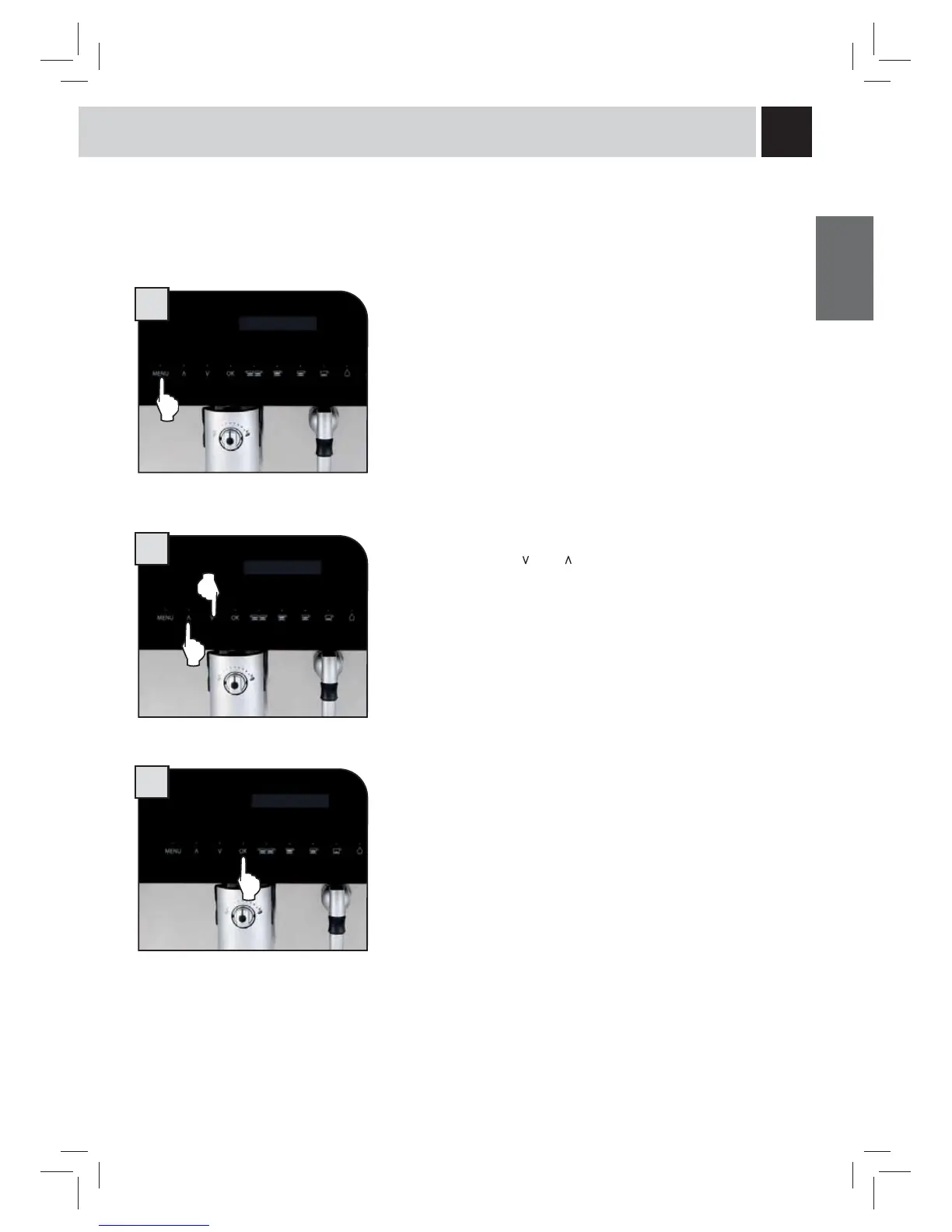
The MENU button is used for:
- Accessing the programming menu.
- Exiting the menu functions without modifying the highlighted parameter.
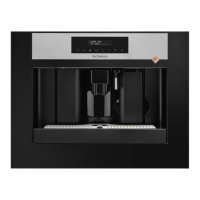
The selection buttons “
” and “ ” are used for:
- Displaying the pages inside a menu;
- Changing the selected parameter.
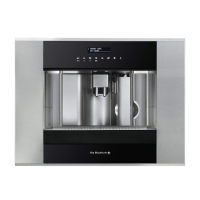
The OK button is used for
- Accessing a menu;
- Confi rming the value change.
The menus used for the machine function programming are listed below.
37


 To Next Page