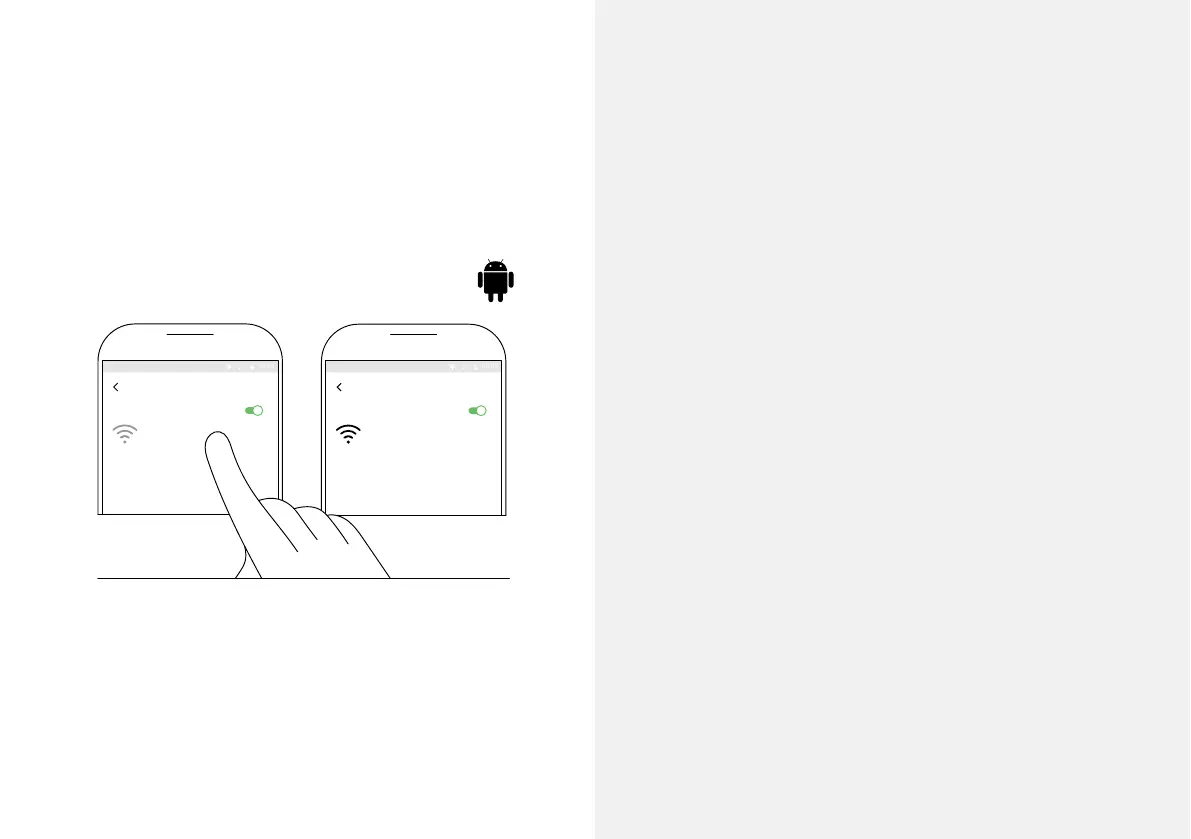
WI-FI
ON
Wi-Fi Direct ADVANCED
Deeper START
Connecting...
WI-FI
ON
Wi-Fi Direct ADVANCED
Deeper START
Internet may not be available
1 2
Pair your Deeper START with an
Android mobile device
If you use an Android smartphone or tablet, follow these
steps:
– Be sure that your shnder is switched on (either
connected to a power source or in the water);
– Open Settings in your mobile device and turn on Wi-Fi
Connection;
– Find your Deeper START in the list of available Wi-Fi
networks and click it.
Your Deeper START is now connected with your mobile
device – you might see Internet may not be available
displayed, or something similar. Don’t worry, this is
normal. It simply means that your mobile device’s Wi-Fi
connection is now being used for your Deeper START and
not the internet.
7



 To Next Page