not being charged, it switches off automatically to save battery life.
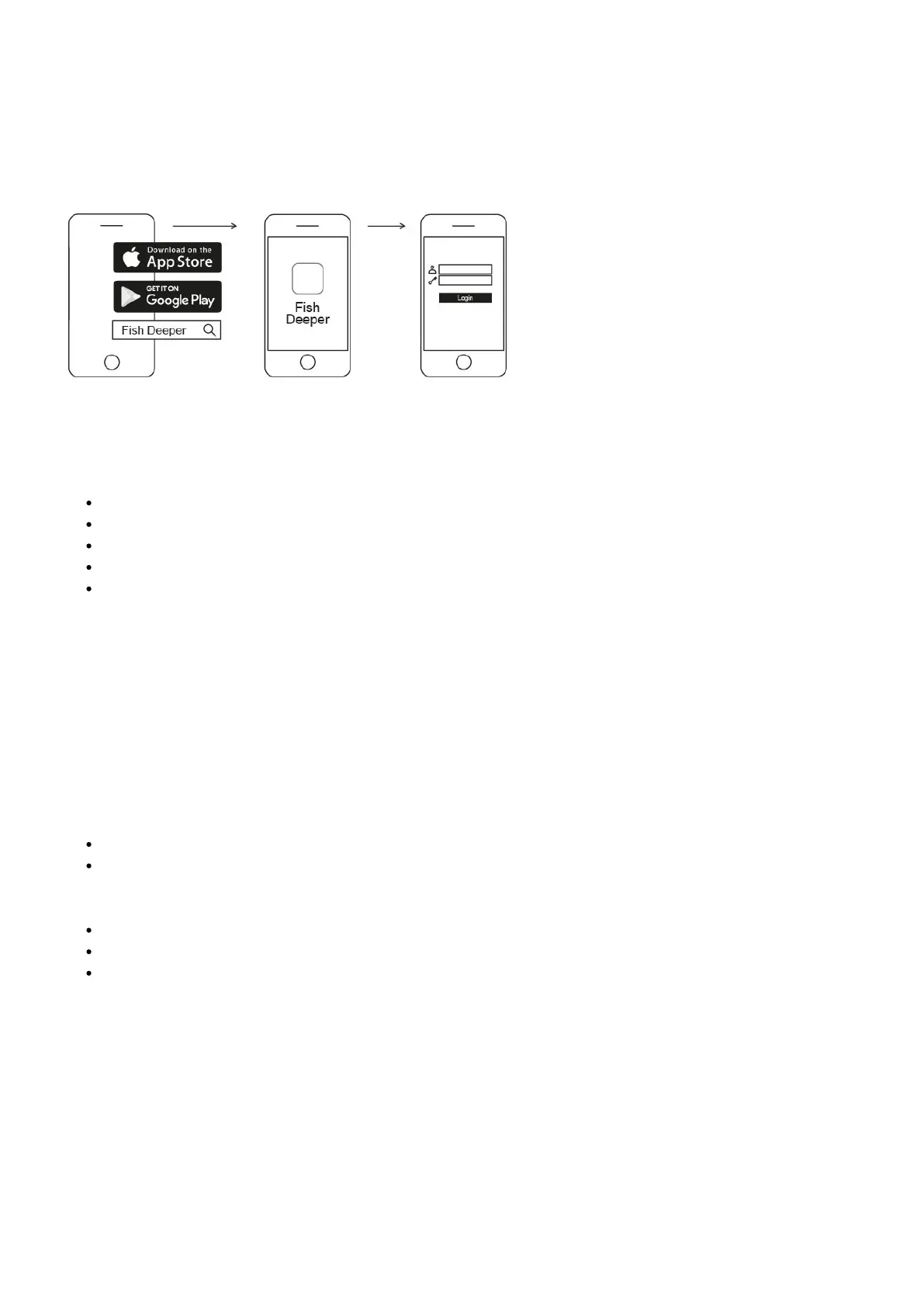
To use the Deeper sonar, you will need to Download the app from App Store or Google Play. You will see a register
screen when you first launch the app. Only registered users will get all the features that application can offer.
Pairing with an Android mobile device:
Be sure that your Deeper Sonar is switched on (either connected to a power source or in the water);
Open Settings in your smartphone or tablet and turn on Wi-Fi;
Find your Deeper sonar in the Wi-Fi devices list and click to pair it;
When you are asked for the password, enter 12345678
Turn Off the Smart Network Switch function (if available on your device)
Your Deeper CHIRP+ is now connected with your mobile device - you might seeInternet may not be available
displayed, or something similar. Don’t worry,this is normal.It simply means that your mobile device’s Wi-Fi
connection is now being used for your Deeper sonar and not the internet.
Pairing your Deeper CHIRP+ with an iPhone or iPad
If you use an iPhone or iPad, follow these steps:
Be sure that your Deeper Sonar is switched on (either connected to a power source or in the water);
OpenSettingsin your mobile device, then openMobile Dataand make sure that theWi-Fi Assist
function is turned off. This is important because when this function is active, the connection with your
Deeper sonar may be unstable.
Then openSettingsin your mobile device, thenWi-Fiand turn it on.
Find your Deeper PRO or PRO+ in the list of available Wi-Fi networks and click to pair it.
When you are asked for the password, enter12345678
Your Deeper CHIRP+ is now connected with your iPhone or iPad - you might seeInternet may not be available
displayed, or something similar. Don’t worry,this is normal.It simply means that your mobile device’s Wi-Fi
connection is now being used for your Deeper sonar and not the internet.
You can try your sonar at home, but you probably won’t see fish accurately


 To Next Page
 Loading...
