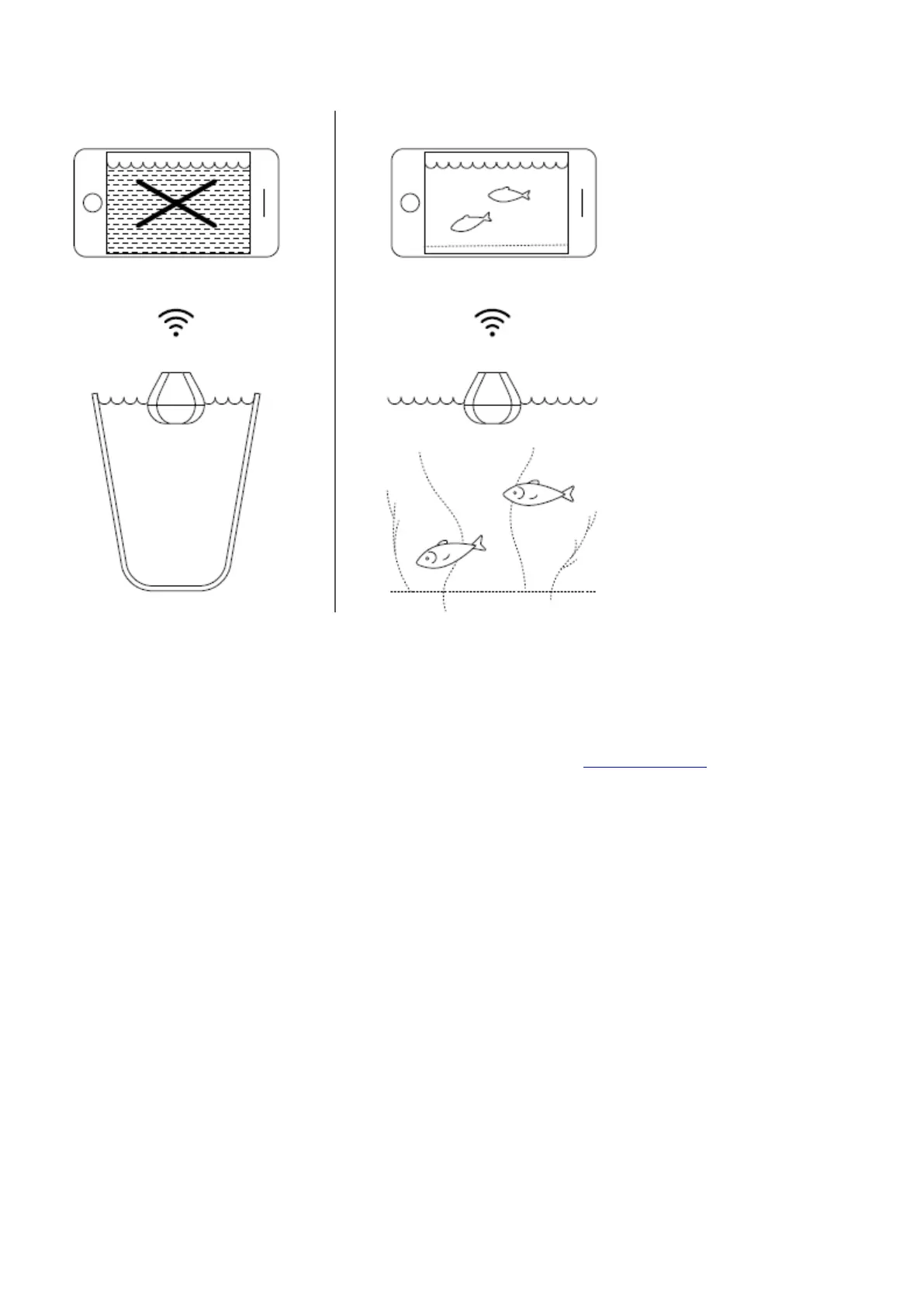
You can try your sonar at home, but you probably won’t see fish accurately
If you put your Deeper PRO or PRO+ in a fish tank, cup, bucket, bathtub, or similar container at home you will be
able to turn the device on and pair it with your mobile device. But most likely the device won’t be able to scan
properly – you will probably just see an empty screen and the status message:Too shallow or too deep.
This is normal, Deeper sonar is designed for scanning in wide open waters like rivers, lakes, and the sea. In small,
shallow and enclosed waters the sonar tries to scan, but receives too many sonar returns from the bottom and
walls of your tank and cannot make an accurate reading. Read more aboutHow Sonars Work
Pairing with a phone or tablet
There’s no power button on your Deeper START: it turns on automatically when it is in water or connected to a
power source. When it’s out of water or not being charged, it switches off to save battery life.
ⓘ
Never put your Deeper in water when it is connected to the charger cable! This could damage the
device and any damage will not be covered by the warranty.


 To Next Page
 Loading...
