Pair your Deeper START with an Android mobile device
If you use an Android smartphone or tablet, follow these steps:
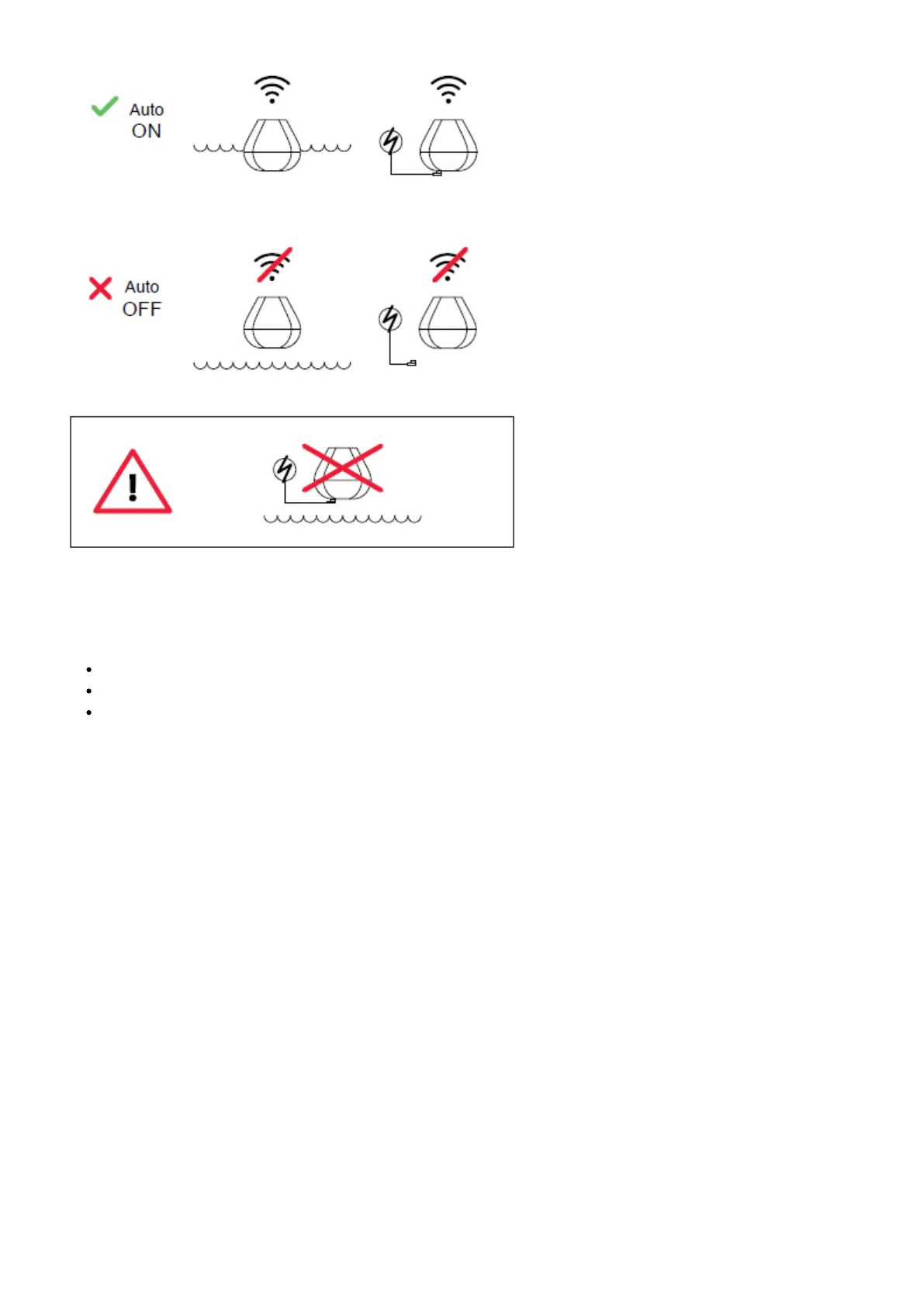
Be sure that your fishfinder is switched on (either connected to a power source or in the water);
OpenSettingsin your mobile device and turn onWi-Fi Connection;
Find your Deeper START in the list of available Wi-Fi networks and click it.
Your Deeper START is now connected with your mobile device – you might seeInternet may not be available
displayed, or something similar. Don’t worry,this is normal.It simply means that your mobile device’s WiFi
connection is now being used for your Deeper START and not the internet.



 To Next Page