Pair your Deeper START with an iPhone or iPad
If you use an iPhone or iPad, follow these steps:
Be sure that your fishfinder is switched on (either connected to a power source or in the water);
OpenSettingsin your mobile device, then openMobile Dataand make sure that theWi-Fi Assist
function is turned off. This is important because when this function is active, the connection with your
Deeper START may be unstable.
Then openSettingsin your mobile device, thenWi-Fiand turn it on.
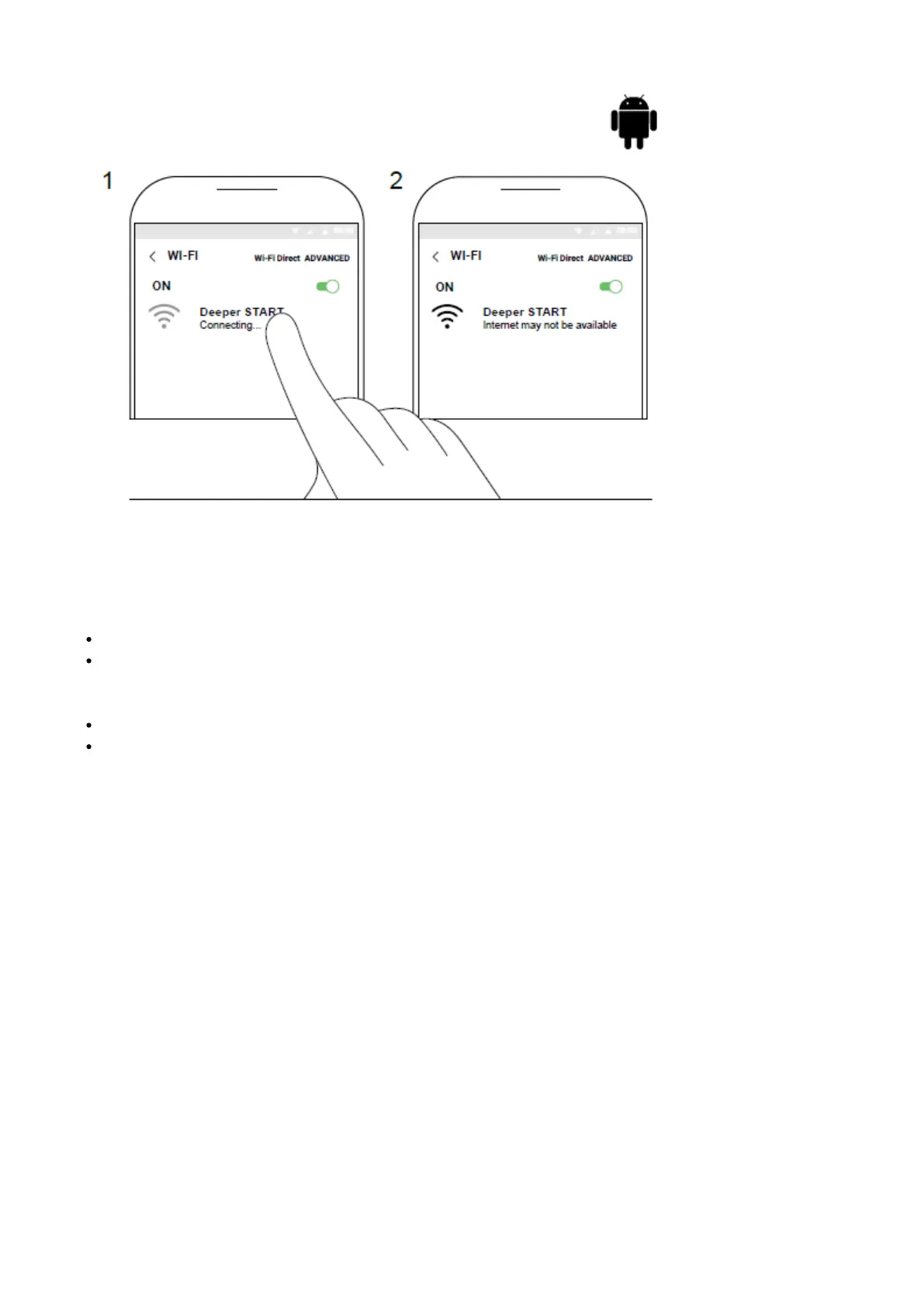
Find your Deeper START in the list of available Wi-Fi networks and click it.
Your Deeper START is now connected with your iPhone or iPad - you might seeNo Internet Connectionwritten.
Don’t worry, this is normal. It simply means that your mobile device’s WiFi connection is now being used for your
Deeper START and not the internet.



 To Next Page