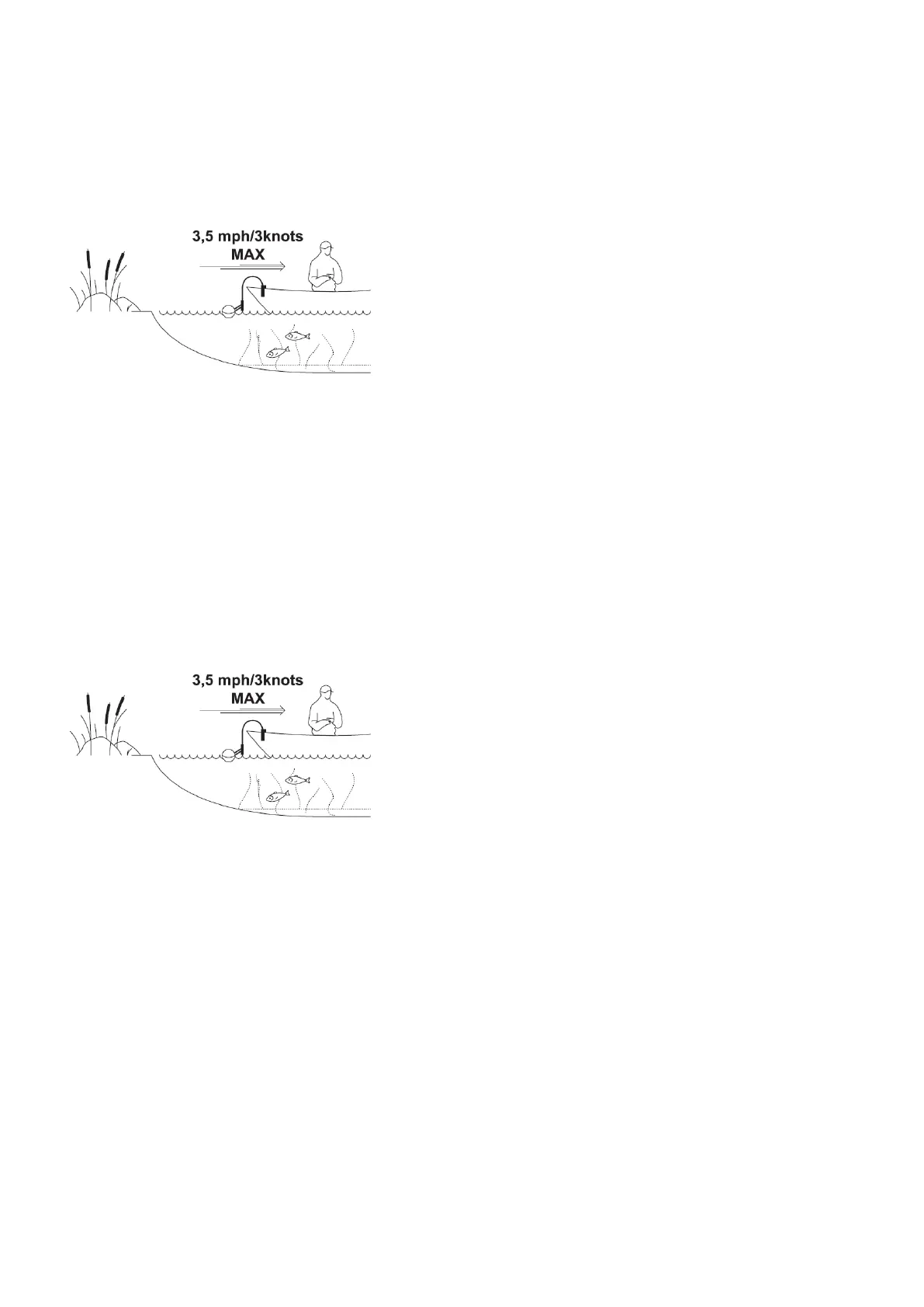
scanning and mapping. We recommended speed limit of the boat is up to 5 km/h (2.7 knots).
ⓘ
When trolling your Deeper sonar, keep your smartphone/tablet in a position where it can easily pick up the signal
from your sonar. If your smartphone / tablet is on the floor of your boat or in your pocket, the connection may be
unstable.
Trolling and scanning
Once your Deeper sonar is mounted to your vessel, start moving across the water to scan or create underwater
topography maps. Use Boat mode in the FishDeeper app (Settings > Boat Mode) for a split screen view of your
scanning and mapping. We recommended speed limit of the boat is up to 5 km/h (2.7 knots).
ⓘ
When trolling your Deeper sonar, keep your smartphone/tablet in a position where it can easily pick up the signal
from your sonar. If your smartphone / tablet is on the floor of your boat or in your pocket, the connection may be
unstable.
How to use a Deeper Sonar
Battery and Charging
Connecting the USB charging cable(PRO/PRO+/CHIRP)



 To Next Page