QUICK GUIDE (CHIRP+)
Firmware updates
Sometimes your Deeper will require a firmware update to ensure its full functionality. The process of updating
firmware is very simple:
1. Have the latest version of the FishDeeper App on your phone;
2. Connect your Deeper to a charger;
3. Go to WiFi connections of your smartphone, and connect to the WiFi hotspot of the Deeper;
3. Open the FishDeeper App, which will automatically connect to your Deeper;
4. You will then see a status message indicating that the update is being carried out;
5. After the update is complete you can continue to use your Deeper.
Trolling and scanning
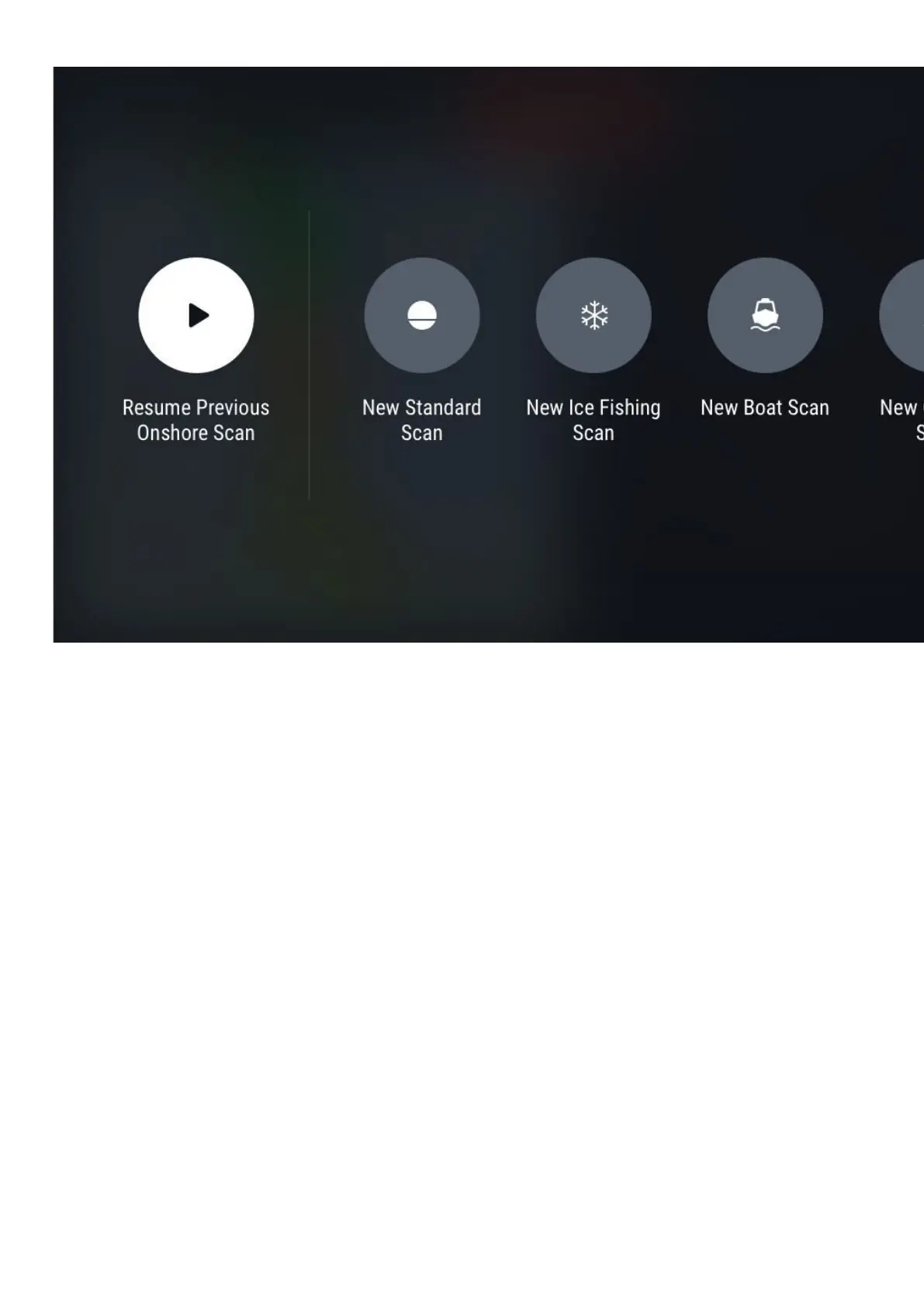
Once your Deeper sonar is mounted to your vessel, start moving across the water to scan or create underwater
topography maps. Use Boat mode in the FishDeeperApp (Settings >Boat Mode) for a split screen view of your



 To Next Page