Data rewind
When your Deeper sonar is connected and scanning, you canrewindthe scan by pressing anywhere on the screen
and scrolling it to the right. This is helpful in case you’ve missed something and wish to go back and review it again.
When rewinding, a button with an arrow will appear:
You can press in order to go back to the most recent sonar data.
Pausing the scan or starting a new scan.
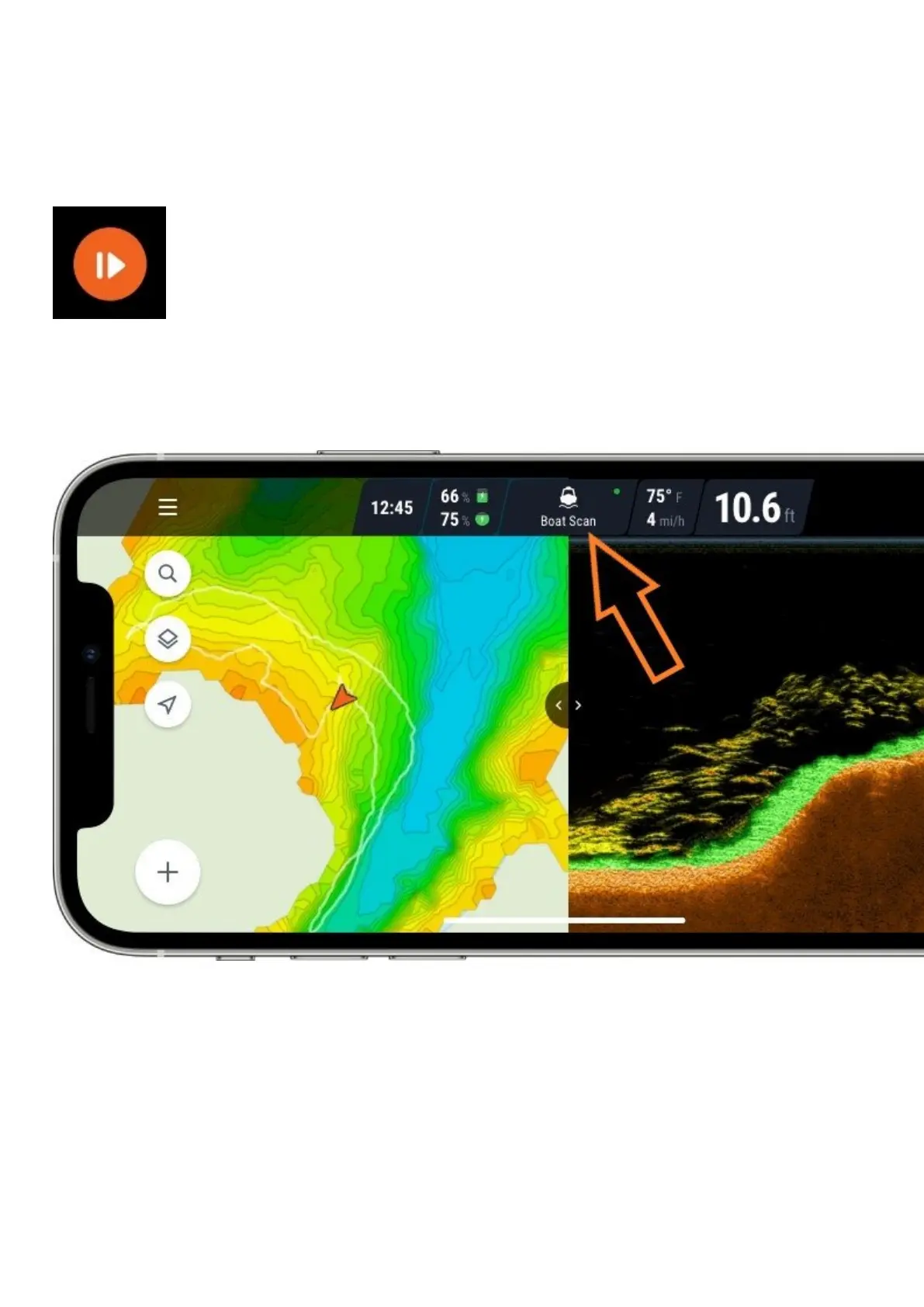
To pause any scan, click on the Scanning mode icon on the status bar.
Then, select Pause scan.
When scanning is paused, Wi-Fi connection with your Deeper is still active, but the sonar will not record any data,
thus preserving the battery. You can resume the scan at any time.
You can also start a new scanning session of your choice.



 To Next Page