If you have a Deeper 3.0 model and want to activate Premium, please email us at support@deeper.eu and attach a
photo with your device's serial number.
What app features can I use with global bathymetric maps?
When you activate Premium in your account, global bathymetric maps will automatically appear in the Fish Deeper
app or on the Fish Deeper website. You can also use the following features:
Download Offline bathymetric maps in the Fish Deeper app. You will then be able to view global bathymetry
even when your phone does not have an internet connection.
Note: we highly recommend downloading the offline map of your area. It will allow you you to view global
bathymetry even if you have no access to internet. The app will prompt you to download offline maps in
case they are not downloaded already.
Enable and disable the display of global or personal bathymetry in the map settings.
Click on any point on the bathymetric map to find out the exact depth of that location
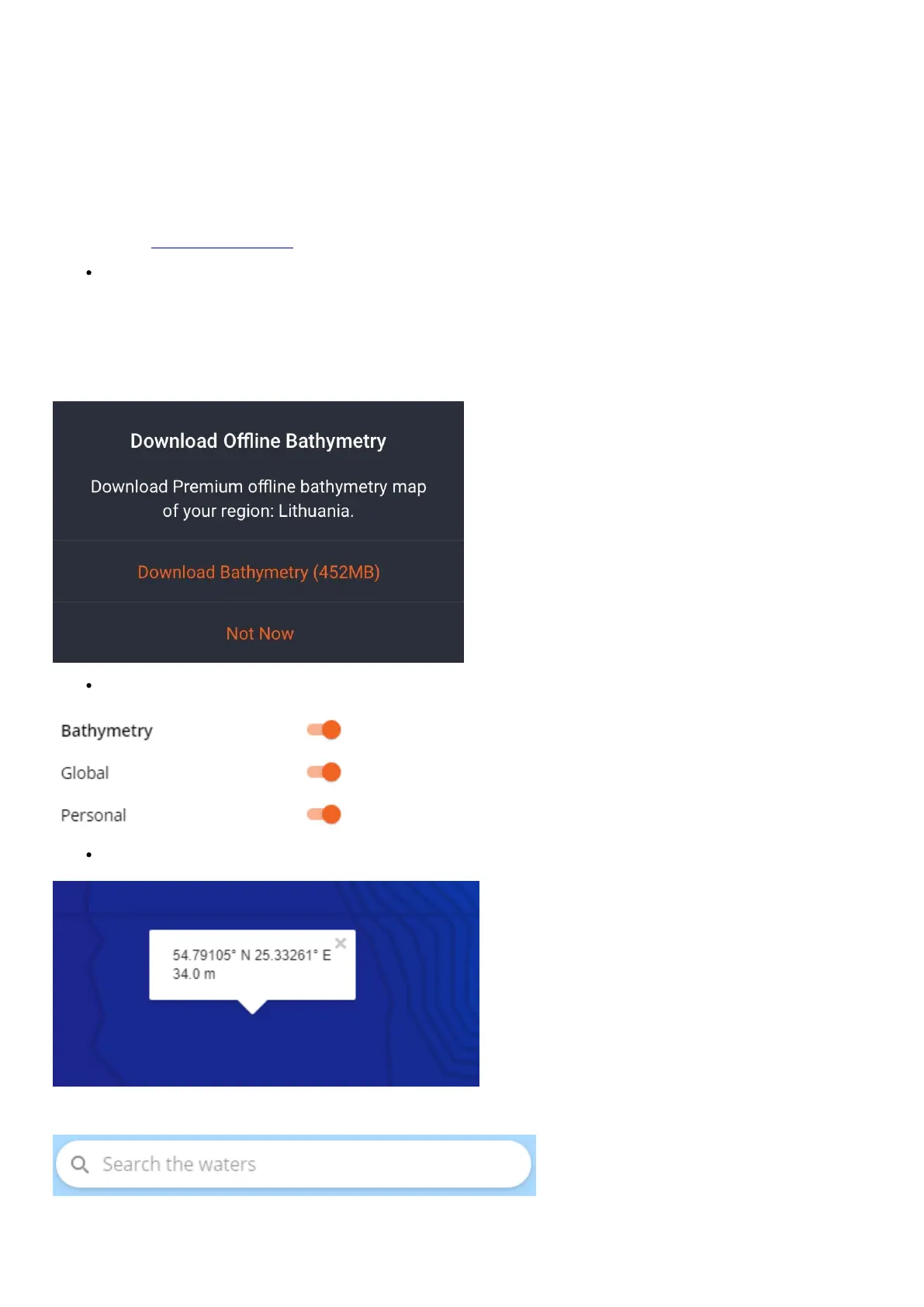
• Use the lake search function:


 To Next Page
 Loading...
