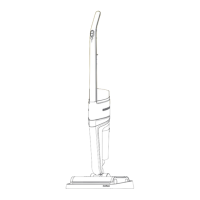
1. Rotate the power cord hooks on
the handle to release the power
cord quickly.
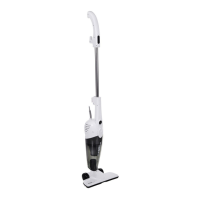
2. After open the buckle from the
fixing block on the metal tube, pull
out the metal handle as a whole,
and then clamp the buckle to the corresponding position of the
main machine handle.
3. Rotate the ground brush slowly and firmly, and remove the
ground brush after the ground brush is loosen.
4. Insert the brush nozzle into the suction inlet in the direction of
the arrow as shown in Figure (4).
5. Insert the power plug into the socket and confirm that the con-
nection is secure. Put the power switch of the machine body to „1”
(ON) gear and the vacuum cleaner starts working.
6. Set the power switch to „0” (OFF) gear, and remove the plug
from socket.
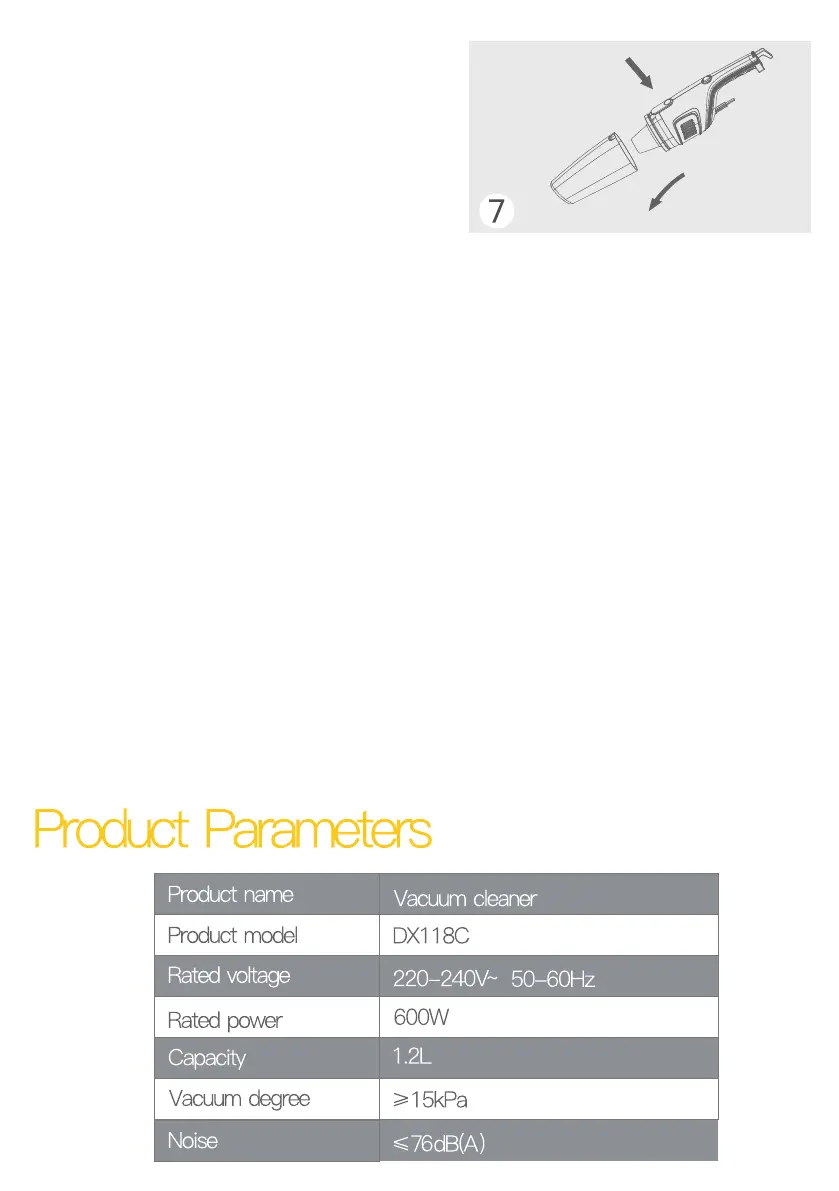
7. Press the dust panel frame switch, take the dust panel frame
together with the strainer, and then take out the strainer to put the
garbage in the dust panel frame into the waste container.


 To Next Page