5. Turn on the power supply. Set the voltage
on the power supply to 3-7 V, depending
on the needle configuration and working
technique. Do not exceed the maximum
voltage of 10 V.
6. Set up device for smooth, quiet operation
by adjusting the needle stickout (2)
and voltage. All seings are individual
and depend on the power unit, application
area and work technique.
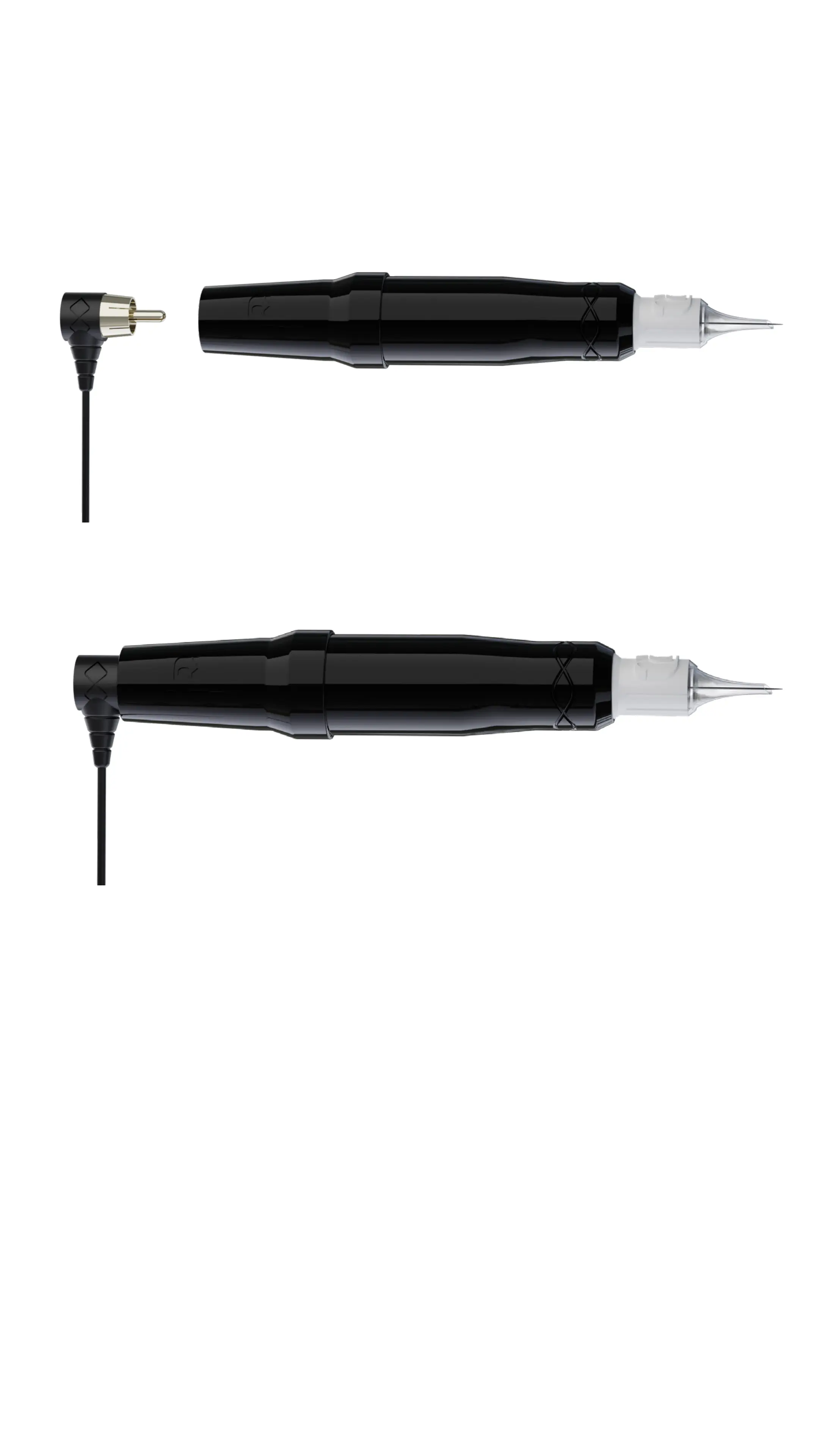
4. Connect device to the power source
using the RCA cable (4).


 To Next Page