Need help?
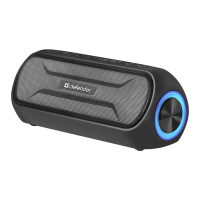
Do you have a question about the Defender G32 and is the answer not in the manual?
Identifies key ports: Type-C, microSD, USB, AUX.
Details buttons for volume, track, play/pause, call, power, and mode switching.
Guides on selecting mode, pairing, and connection status.
Connect antenna, select mode, search, store, and listen to stations.
 General
| Brand | Defender |
|---|---|
| Model | G32 |
| Category | Portable Speakers |
| Language | English |


 To Next Page