
 Need help?
Do you have a question about the Defender White GK-172 and is the answer not in the manual?
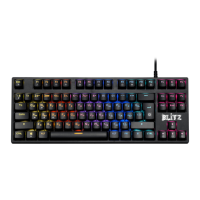
Overview of the wired gaming keyboard and its features.
Instructions for connecting the gaming keyboard to a computer using a USB port.
Steps and status indicators for successful device driver software installation.
Statement regarding the device's compliance with relevant regulations and standards.
Guidelines for safe operation, environmental conditions, and product care.
Details on warranty coverage, exclusions, and conditions for service.


 To Next Page
 General