8
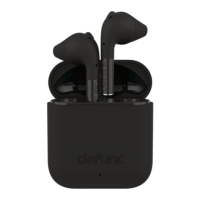
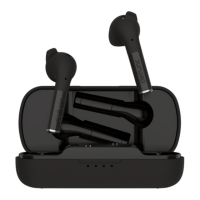
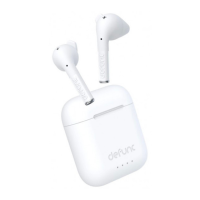
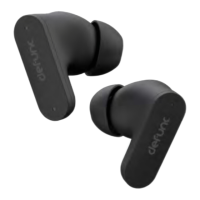
1. Make sure the earbuds are fully charged. Do this by charging the
earbuds in the charging case until all 4 white lights on the charging
case are lit for 5 seconds and then turn off.
2. Open the charging case. The earbuds will automatically power on and
pair with each other.
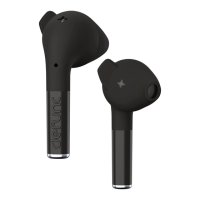
3. Take out the earbuds. When blue/red lights ash alternately,
the earbuds are ready to pair with your device.
4. Turn on the Bluetooth function on your device. Select Defunc TRUE
ANC in the Bluetooth list to pair the earbuds with the device.
• The earbud lights turn off when the earbuds are paired.
• The earbuds will automatically pair with a previously connected device
when taken out of the charging case again.


 To Next Page