11
CHARGE THE EARBUDS
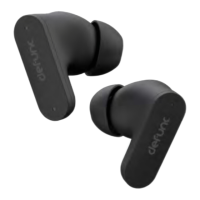
Make sure that the charging case has battery life. Put the earbuds in the
charging case. Close the cap.
CHARGE THE CASE
Plug the USB-C charging cable with the USB-C port on the charging case.
Plug the other end of the cable into a power source.
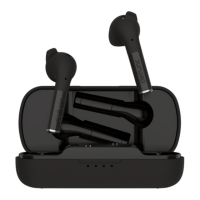
LIGHTS ON THE CHARGING CASE
Charging: White lights ash.
Battery status: Each light equals 25% battery life. When each 25% is
reached, the corresponding light becomes stable, and the next starts
ashing. When charged to 100%, all lights turn off.
Two earbuds charging: The rst and fourth charging case lights ash for
about 5 seconds.
Only left earbud charging: The rst charging case light ashes for about
5 seconds.
Only right earbud charging: The fourth charging case light ashes for
about 5 seconds.
Case and earbuds can be charged simultaneously.


 To Next Page