12
Voice assistant: Press the left earbud for 3 seconds to activate/deacti-
vate. Note that most Android phones automatically deactivates the voice
assistant.
CHARGE THE EARBUDS
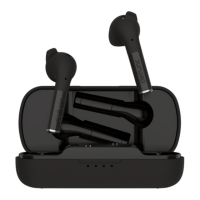
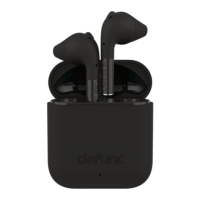
Make sure that the charging case has battery life. Put the earbuds in the
charging case. Close the cap.
CHARGE THE CASE
Plug the USB-C charging cable with the USB-C port on the charging case.
Plug the other end of the cable into a power source.
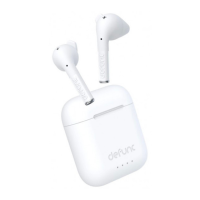
LIGHTS ON THE CHARGING CASE
Charging: White lights ash.
Battery status: Each light equals 25% battery life. When each 25% is
reached, the corresponding light becomes stable, and the next starts
ashing. When charged to 100%, all lights turn off.
Two earbuds charging: The rst and fourth charging case lights ash for
about 5 seconds.
Only left earbud charging: The rst charging case light ashes for about
5 seconds.
TRUE_audio_MANUAL_100x100.indd 12TRUE_audio_MANUAL_100x100.indd 12 2021-11-30 11:022021-11-30 11:02


 To Next Page