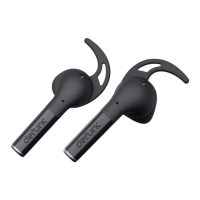
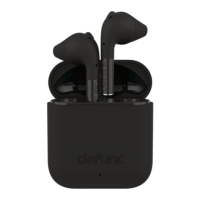
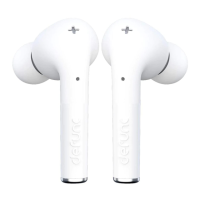
POWER OFF
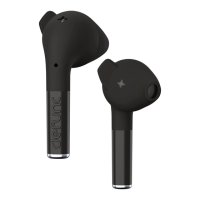
There are two ways to turn the earbuds off and one way
they auto-power off:
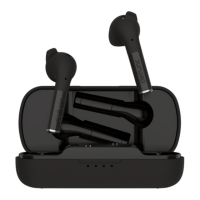
1. Put the earbuds back in the charging case and close
the cap.
2. Press either earbud for 5 seconds until you hear the
off-sound or see the LED lights flash 2 times.
3. Auto-power off will be activated after 5 minutes
without a connected device.
TOUCH CONTROL FUNCTIONS
Power on: Press each earbud for 3 seconds to power
on. (Please note: If you have just taken the earbuds out
of the charging case, they have already powered on.)
Power off: Press either earbud for 5 seconds to power
off. The easiest way though is to put the earbuds back
in the charging case and close the cap. Auto-power off
will be activated after 5 minutes without a connected
device.
Play/pause: Double-tap either earbud.
Next track: Press the right earbud for 2 seconds.
Previous track: Press the left earbud for 2 seconds.
Volume increase: Tap the right earbud once.
Volume decrease: Tap the left earbud once.
Answer/end phone call: Double-tap either earbud.
Reject call: Press either earbud for 2 seconds.
Voice assistant: Tap either earbud three times to
activate/deactivate.
6



 To Next Page